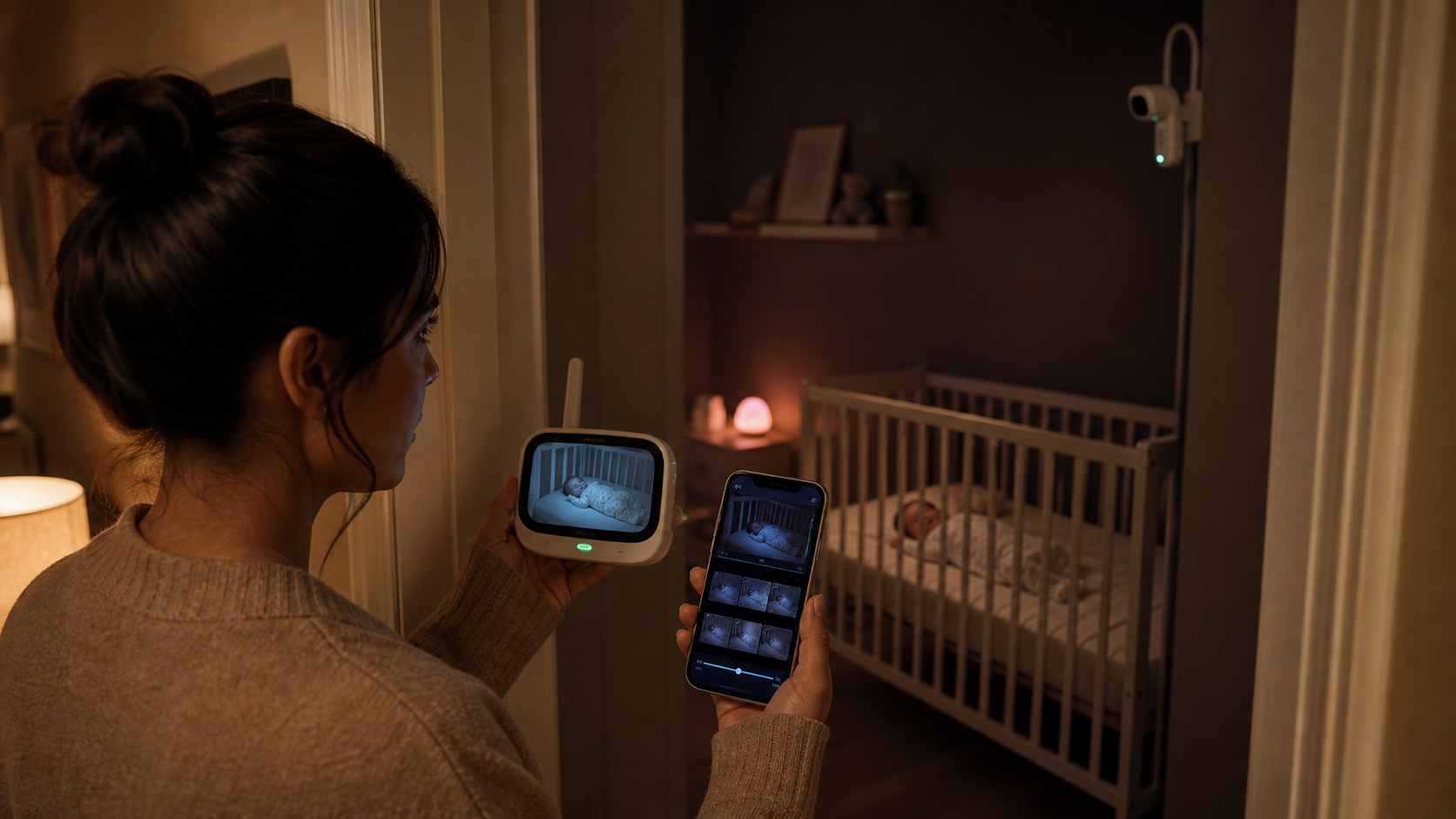
Baby monitors, recording & nursery privacy
Some baby monitors record video, and some only show a live picture. A “video monitor” is not automatically a video recorder. Recording is a separate feature that has to be confirmed for the exact model, app, storage method, region, and—sometimes—subscription. One monitor may save ten-second motion clips; another may let you rewind the whole night; a third may forget the picture the instant you close the screen.
If you are standing in a dark hallway trying to answer, “What happened just before that cry?” the difference is not technical trivia. You either have a window into the nursery right now or a memory you can review later. I want to help you identify which one you own, what it saves, how long it keeps it, and whether keeping that footage is worth the privacy tradeoff for your family.
The answer I would check before buying
Live view tells you what is happening now. Recording lets you review what happened earlier.
Look for explicit words such as event clips, playback, video history, continuous recording, or microSD recording. Then verify retention, overwrite, export, audio, power, and subscription details. If the manual only promises live video, do not assume the app is quietly building an archive.
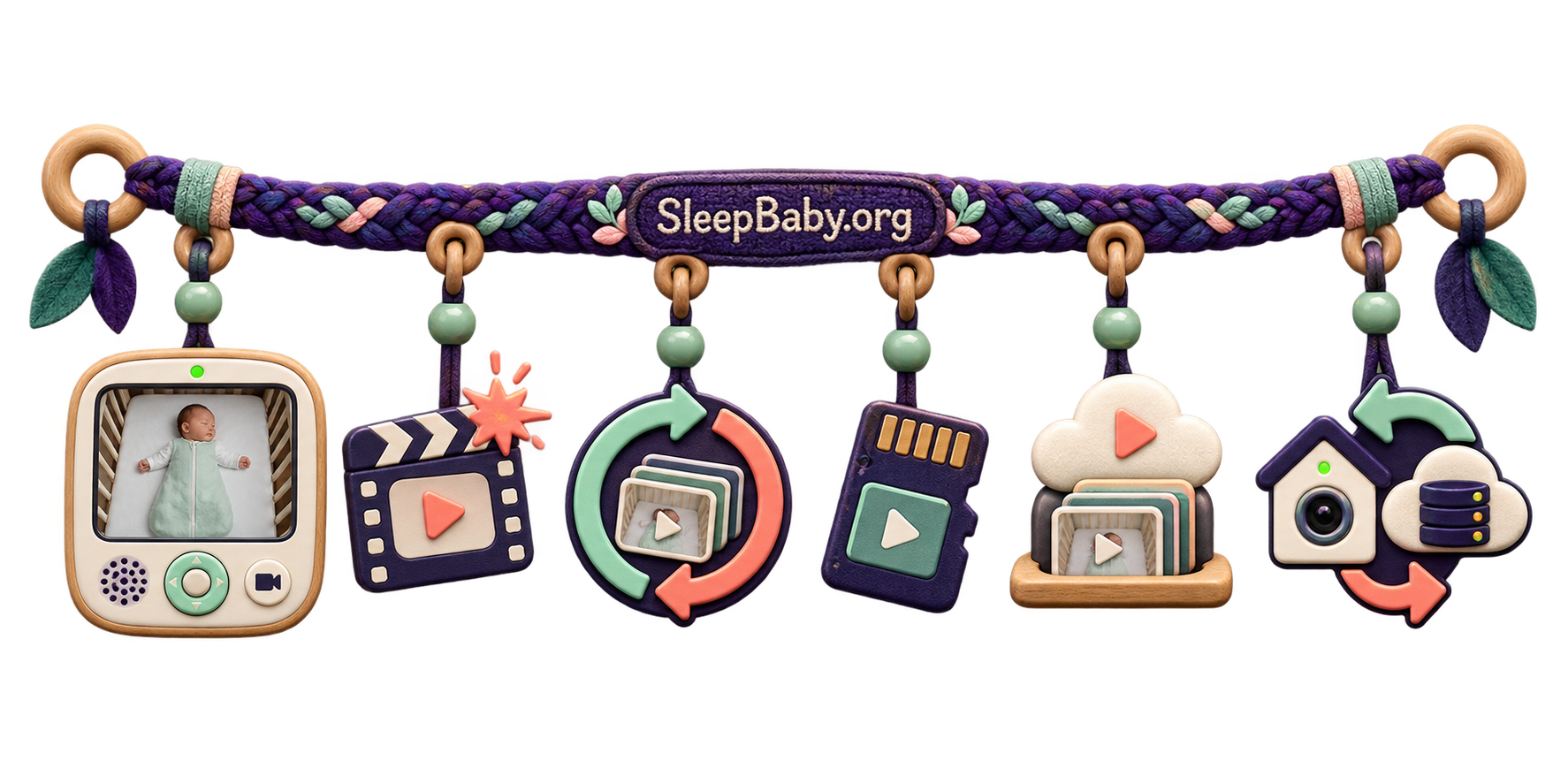
Six ways baby monitors handle video
I do not sort monitors into a simple yes-or-no pile, because “yes, it records” can still mean the recording misses the minute you care about. I use these six patterns because they force me to name what is actually saved. One monitor can combine more than one of them.
1. Live view only
The camera sends video to a parent unit or app while you watch. When you leave, there is nothing to rewind. Nanit, for example, documents that live video can remain available without a plan that supplies clips or continuous history.1
2. Event-triggered clips
Sound, motion, crying, or another enabled alert saves a short clip. Owlet says Cam 2 clips are roughly ten seconds and can include several seconds before a detected event. Helpful, yes; a complete night, no.3
3. Rolling playback
The system preserves a moving window of recent time. You may be able to scrub backward through the nap or night, but yesterday’s oldest footage disappears as the window advances. CuboAi and Nanit illustrate versions of this model.27
4. Continuous local recording
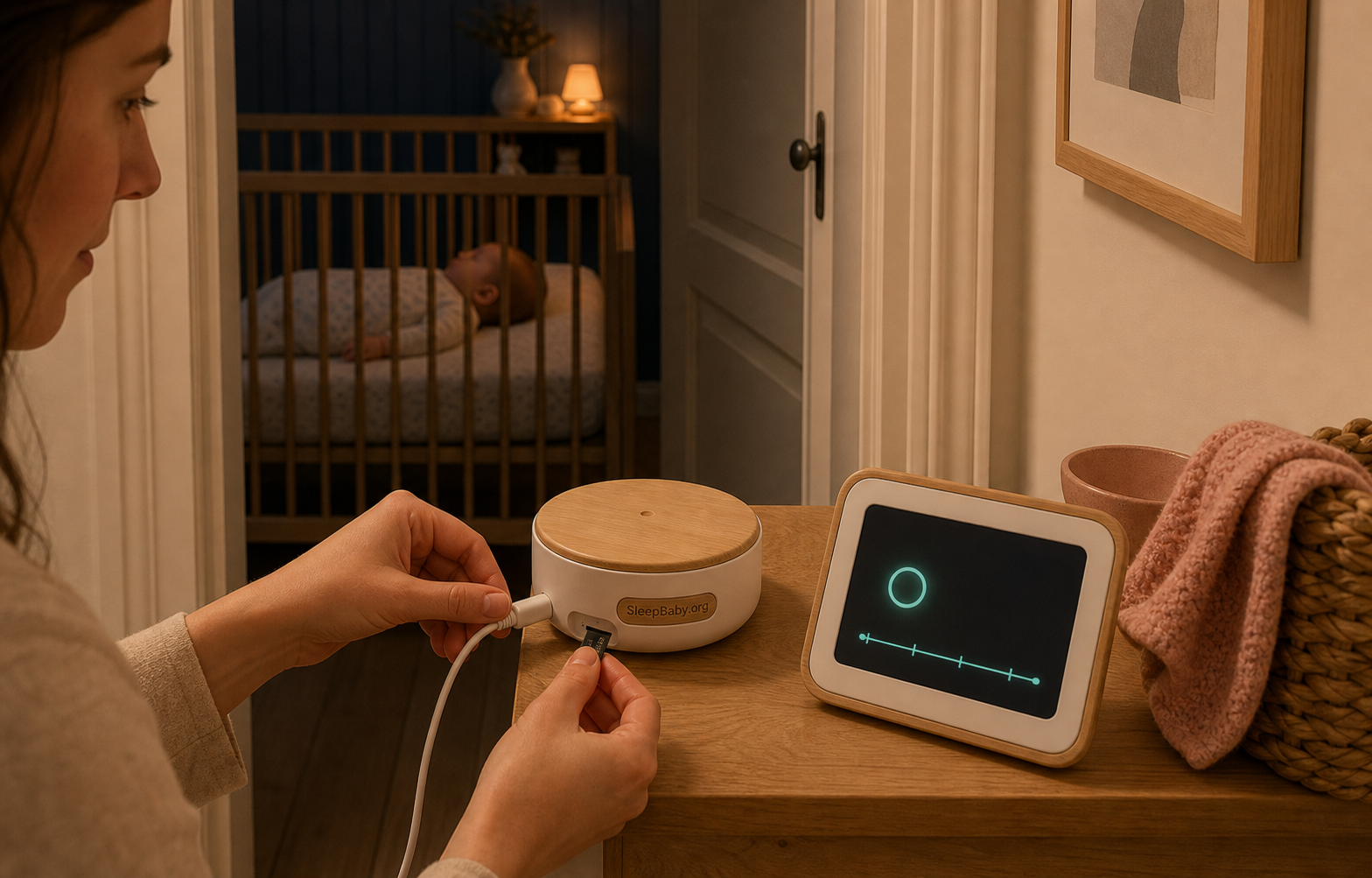
A compatible card or other local storage records for long stretches and usually overwrites the oldest files when full. The exact setting matters: eufy’s E20/E21 instructions require a compatible microSD card and “7×24H Continuous Recording” to be enabled.5
5. Cloud recording
Video is stored on the provider’s servers. History length, event access, downloads, and sharing may depend on a paid tier. A plan change, account problem, or internet outage can change what is available.
6. Hybrid storage
The monitor mixes local and cloud features: perhaps continuous footage on a card, event alerts in the app, and optional cloud backup. Read each path separately. “Supports cloud” does not tell you what stays local, and “supports microSD” does not promise continuous recording.
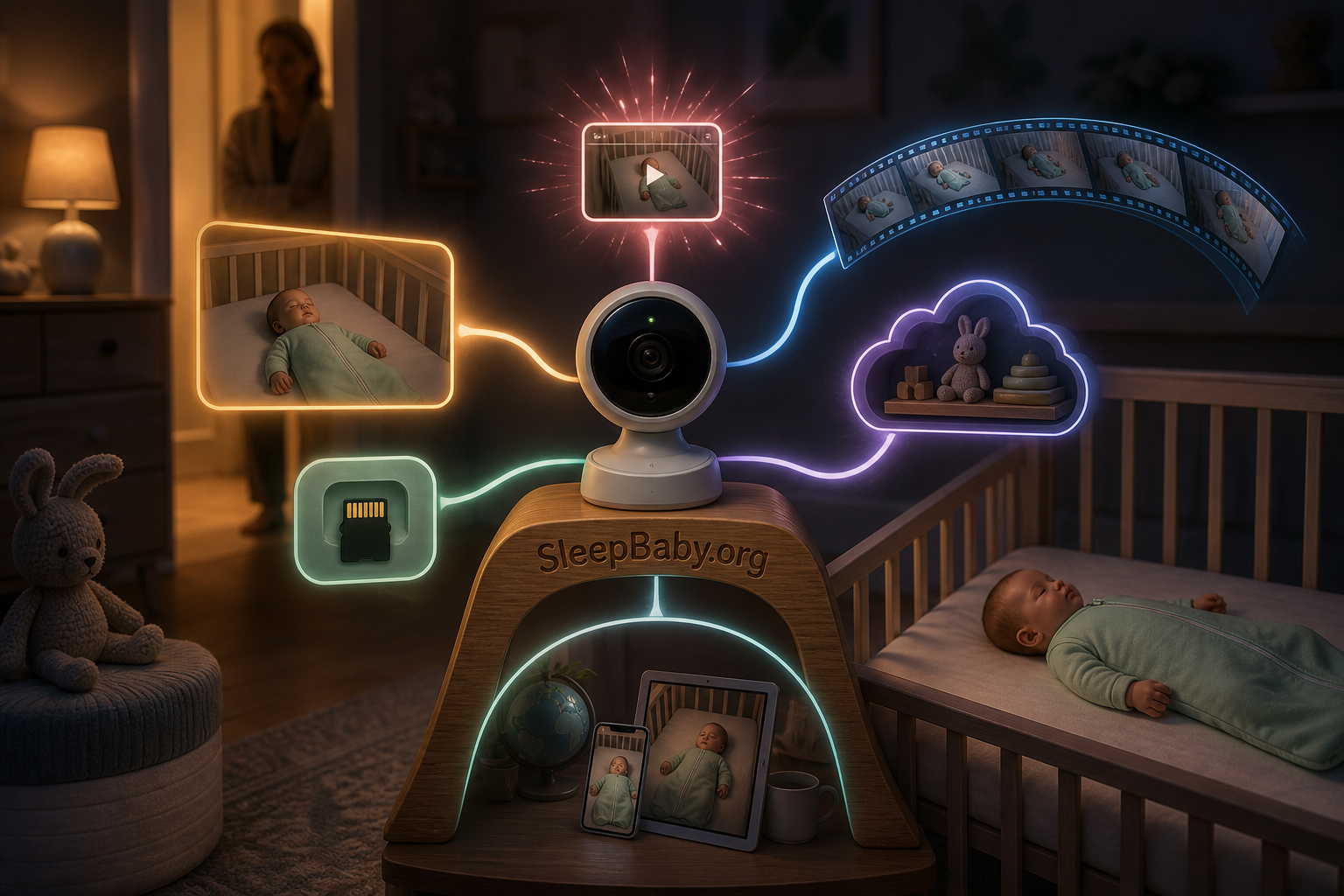
The same manufacturer can sell monitors in several categories. One eufy support page says Baby Monitor 2 cannot record continuously around the clock, while the E20/E21 documentation describes a continuous-recording setting.56 That is why I will not answer an exact-model question with a brand reputation. My rule is to let the model number travel with us into the manual.
Event alerts deserve their own caution. A clip exists only if the camera was on, the right detection was enabled, the event crossed the detection threshold, storage was available, and the system completed the save. Our explanation of what smart-monitor alerts can and can’t tell you helps separate a useful prompt from a complete account of the night. No alert does not prove nothing happened.
A hypothetical Kacey-and-Benjamin scene
This is an imagined household scene for explanation, not a Kacey family memory and not evidence.
Imagine Benjamin and me hearing a sharp sound through the monitor at 2:17 a.m. The baby is quiet by the time we look. Benjamin checks the live picture and sees a peaceful crib. I tap backward, expecting the screen to surrender the missing thirty seconds, but there is no timeline—only now. We did not lose a recording. We owned a monitor that had never promised to make one.
In this hypothetical, Kacey does not turn the blank history into a frightening story. She checks the baby directly when needed, checks the model documentation in daylight, and decides whether rewindable history would solve a real household problem. The lesson is not “buy more technology.” It is “name the job before you assume the feature.”
The five-minute exact-model recording audit
Before you buy a monitor—or before you assume your current one saved something—find the model number on the camera, parent unit, app device page, box, or account. I begin there because it keeps my answer attached to the product in your hand. Then use the manufacturer’s current manual or support page. A retailer bullet that says “video history” may be old, bundled with a trial, or describing another model.
- Name the exact model and hardware version. A family name such as “Smart Baby Monitor” is not enough. Record the model number, camera count, and app name. If the support page asks for a region or generation, choose yours.
- Find the recording verb. Search the manual for record, playback, history, event, microSD, and export. “Live stream,” “remote view,” and “motion alert” alone do not prove saved video.
- Identify the trigger and gaps. Is recording continuous, event-only, manually started, or a rolling timeline? If event-based, which alerts create clips, how long are they, and must notifications or detection settings be enabled?
- Locate the storage. Is it on a card, inside the parent unit, on a network drive, on a phone, or in the provider’s cloud? Check compatible card type and capacity; do not assume a card is included.
- Check retention and overwrite. Does the oldest footage disappear when storage fills? Do cloud clips expire after a stated period? Is the period tied to a subscription? Treat “up to” as a ceiling, not a promise.
- Prove export before you need it. Find the manufacturer’s download steps. Verify whether exports include audio, whether only short selections can be saved, and where the file lands. Do not create or share a test clip that includes another person without their knowledge.
- Check the operating conditions. Ask what happens when the internet drops, the app is closed, the parent unit sleeps, the camera loses power, the card fills, or the plan lapses. “Works without Wi-Fi” may describe the parent-unit live feed, not recording or app playback.
I would take one screenshot or note of the current manufacturer page—not as eternal proof, but as a reminder of what you verified. Features and plans change. If recording is the reason for the purchase, save the exact manual with the receipt and check the return window after setup.
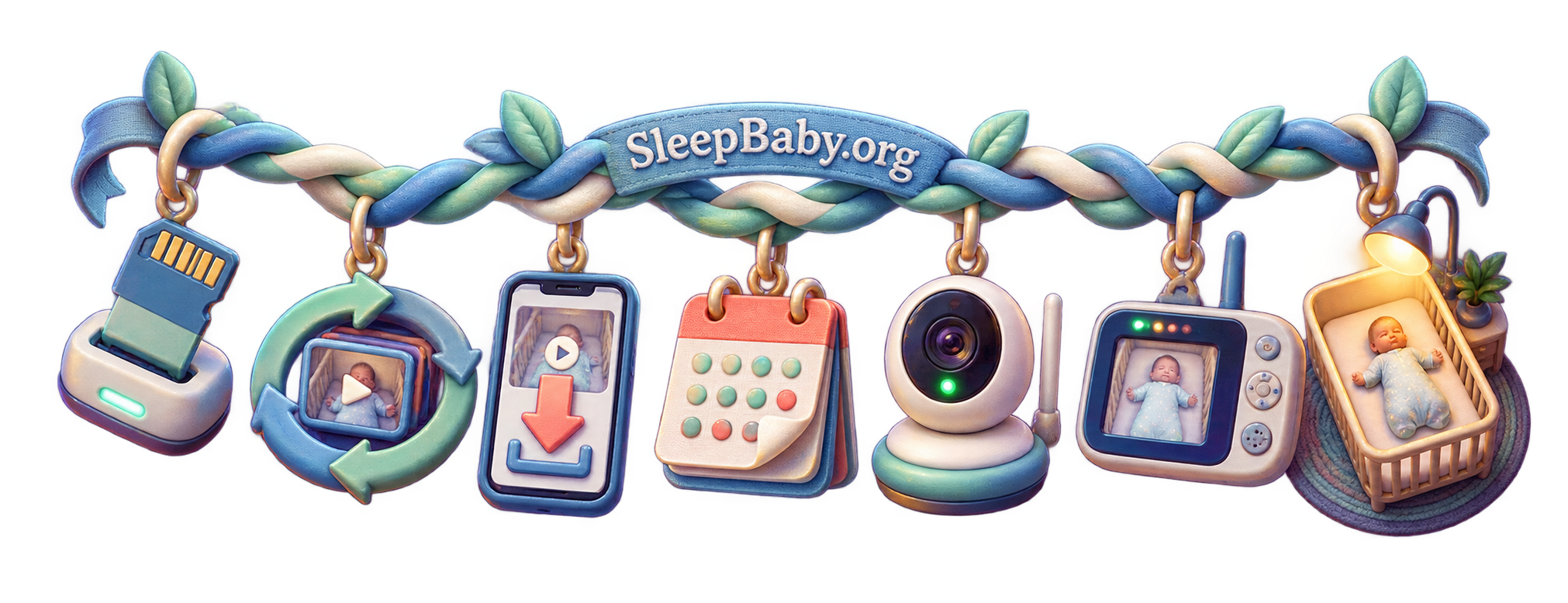
Where recordings go—and why they disappear
A saved clip can feel permanent because it has a thumbnail. It is not. Local cards loop. Cloud histories expire. Event walls change a video into a still image. A phone export can vanish in a device upgrade or appear in an automatic photo backup you forgot was enabled. I would treat the thumbnail as a door, not a vault. My next question is always how that door closes.
| Storage path | What can be useful | What to verify |
|---|---|---|
| microSD or local card | Can keep footage inside the home and may support continuous recording without cloud history. | Compatibility, card included or separate, capacity, overwrite behavior, playback route, encryption, and what happens if the camera is taken. |
| Cloud history | Remote playback, event organization, and sharing can be convenient across caregivers. | Subscription, retention, encryption, account access, deletion process, provider policy, export, and what remains after cancellation. |
| Phone export | Protects one important clip from the monitor’s ordinary expiry or loop overwrite. | Audio, resolution, date information, photo-cloud backup, family sharing, loss or resale of the phone, and secure deletion. |
| NAS or network storage | Can centralize footage without relying only on a provider’s archive. | Exact model support, setup skill, user permissions, updates, encryption, backups, capacity, and exposure outside the home. |
Owlet tells parents to export clips before expiry and notes that deleted or expired backend clips cannot be recovered.3 eufy’s E20/E21 instructions similarly describe choosing a period in Playback and saving it to the phone.5 CuboAi warns that recent event material can change as its playback window advances.7 The practical rule is simple: if a moment matters, export it promptly and then decide deliberately where that copy belongs.
Do not preserve every night “just in case.” More footage means more of our private household life to secure, sort, and eventually delete. I would choose a retention period that matches the job. A few hours may be enough to understand a nap. A few days may help compare a recurring waking. Indefinite archives create a different responsibility without automatically creating a better answer.
Who actually benefits from recording?
Recording earns its place when it answers a recurring question that live view cannot. I ask whether it changes an action in our real night. You may want context before an alert, a way to see whether a pattern repeats, or a clip you can choose to show a pediatrician. The footage is an observation, not a diagnosis; a clinician may find your plain description more useful than an hour of video. Ask what detail they want before you build a library.
Recording may be worth it when…
- you repeatedly need the minute before a cry or movement alert;
- you want to compare several naps without watching live;
- caregivers need a factual handoff about when a waking began;
- you will actually review, export, and delete footage with a clear privacy plan.
Live view may be enough when…
- your job is simply to look or listen from another room;
- recording would make you replay ordinary movements compulsively;
- adult caregivers or guests are uncomfortable with an archive;
- you do not want another account, subscription, card, update, or deletion routine.
I am not interested in selling a parent a timeline they will resent. A reliable live-only monitor can be the more peaceful tool. But if you keep reaching for a rewind button that does not exist, buy for that exact feature rather than for a vague promise of “smart monitoring.”
When the missing feature is “rewind the night”
For a parent replacing a live-only monitor specifically to gain rewindable local history, I would compare the eufy Security Baby Monitor E21. It pairs a dedicated five-inch parent display for checking the nursery now with app playback for reviewing earlier footage. That combination is a closer fit for this reader job than a cloud-history camera that requires an ongoing plan, and it solves more than buying a memory card for a monitor that may not support recording at all.
The recording setup has real conditions: eufy’s instructions require a compatible microSD card and the “7×24H Continuous Recording” setting to be enabled. Do not assume the card is included. For overnight or continuous use, keep the camera connected to power rather than relying on its battery. App access also depends on the product’s Wi-Fi setup; the direct parent-unit connection is not proof that app playback works with Wi-Fi disabled. This is a recording convenience, not a medical monitor, SIDS-prevention device, or substitute for checking your baby.
See the eufy Baby Monitor E21 on Amazon
As an Amazon Associate, SleepBaby may earn from qualifying purchases.
Recording a nursery means securing a household camera
A remotely accessible baby monitor is a connected camera inside one of the most private rooms in your home. The archive may show sleep, feeding, nursing, medical care, arguments, visitors, or a caregiver changing clothes. I would make the privacy decision before the first recording, not after a clip surprises someone. My threshold is informed access, not quiet convenience.
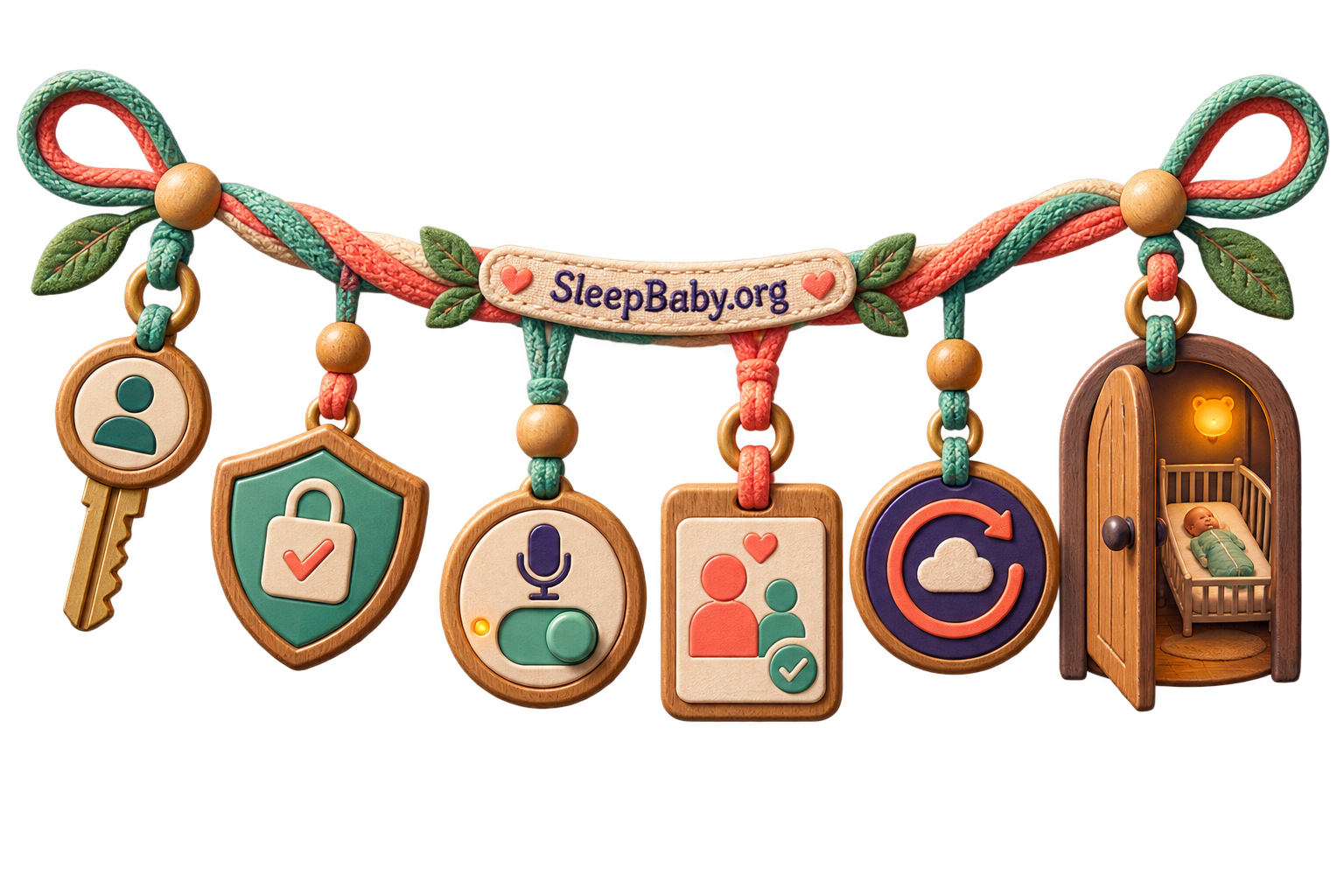
The Federal Trade Commission specifically includes baby monitors in its connected-camera guidance. It recommends checking encryption for the account, livestream, and stored video; using a unique password and two-factor authentication; updating the camera, app, and router; using WPA2 or WPA3; limiting remote viewing; and giving other users only the access they need.8 NIST similarly advises changing default credentials, applying updates, reviewing privacy settings, and disabling features you do not use.9 I treat those steps as part of our nursery setup, not an optional project for later.
- Use a unique account password and turn on 2FA. Do not reuse the password from shopping, email, or social accounts.
- Update all three layers. Camera firmware, the mobile app, and the home router can each carry security fixes.
- Restrict sharing. Give caregivers separate access when the system supports it, remove old users promptly, and avoid sharing one master login.
- Turn off remote access if you do not need it. A feature you never use should not remain an open door by habit.
- Know every copy. A clip exported to a phone may sync to a personal cloud account or appear in a shared photo library.
- Delete on purpose. Check both the monitor archive and exported copies, and follow the manufacturer’s process before selling or giving away the camera.
No consumer camera is “hack-proof.” Local storage can reduce one kind of cloud exposure, but a card can be removed or a locally networked device can still be misconfigured. Cloud storage can simplify remote access, but it puts account security and provider practices in the chain. The honest question is not “Which option has no risk?” It is “Which risks do we understand and maintain?”
The nursery camera is part of the Internet of Things
What connects, what it stores, and who can reach it
NIST explains what the Internet of Things is and why connected devices need deliberate security. Watch with your monitor in mind: its camera, app, account, router, storage, and shared users form one system.
My written takeaway: ask what connects, what it stores, who can access it, which features can be disabled, and how security updates arrive. A convenient archive deserves the same care as any other camera inside your home.
If the player does not load, watch the NIST IoT video on YouTube. The checklist above preserves the practical lesson without playback.
The microphone is a separate consent decision
A monitor may save audio with video, save silent video, or let you mute playback without removing the original audio. Do not infer one from the other. A nursery microphone can capture a partner, grandparent, sitter, night nurse, cleaner, or visitor having a private conversation—not only a baby crying. Our guide to why a nursery microphone can capture more than the baby is useful before you enable an always-listening feature.
I would put the monitor’s presence and recording status into the caregiver handoff: “The camera records video and audio to a card,” or “This is live-only; nothing is saved.” That sentence is my minimum because it respects the adult in the room and prevents a technical setting from becoming a trust problem. If a caregiver does not agree to recording, solve the care arrangement directly rather than hiding the camera.
Recording does not change the physical safety rules
The clearest monitor safety rule has nothing to do with pixels. The U.S. Consumer Product Safety Commission says to keep monitor cords and parts at least three feet from a crib, bassinet, play yard, or other sleep space, and never place a monitor in or on a crib.10 I treat three feet as a starting boundary and reassess my route as the baby grows and reaches farther. A cord that was unreachable in the newborn months can become reachable later.
Recording can answer “What was visible?” It cannot reliably answer “Was my baby medically safe?” Consumer alerts can miss events, create false alarms, lose power, lose connection, or show movement without explaining it. If breathing, color, responsiveness, injury, fever, or another symptom worries you, assess the baby and contact the appropriate clinician or emergency service. Do not wait for the timeline to settle the medical question.
How to read sleep footage without turning every stir into a waking
A timeline can make ordinary baby sleep look astonishingly busy. Babies move, grunt, stretch, open their eyes briefly, reposition their heads, and pass through lighter sleep. I start with the sequence, because one frame can make my mind invent a bigger story. If you label every movement “awake,” the monitor may convince you that the night was broken even when your baby returned to sleep without help. Our overview of how brief stirring can still happen during sleep gives that movement useful context.
When I review a clip, I use three questions:
- 1. What happened before?Look for a sound, light change, caregiver entrance, lost pacifier, position shift, or ordinary movement. Describe; do not diagnose.
- 2. What happened next?Did the baby resettle, remain quietly alert, escalate, or need a caregiver? The whole sequence matters more than one dramatic frame.
- 3. Does this change an action?If the clip does not change bedtime, the sleep environment, a caregiver response, or a clinician question, you may not need another replay.
Pick a bounded review window. For example: review the ten minutes around two recurring wakes for three nights, then stop and compare. Write down the time and one observable fact, not an interpretation: “Eyes opened at 1:42; rolled head; quiet for two minutes; cried; caregiver entered.” This keeps a useful pattern from becoming a nightly surveillance project.
I also protect the parent’s sleep. HealthyChildren notes that monitor watching itself can keep parents awake.11 If you are replaying normal stretches for reassurance and feeling worse each time, recording may be adding uncertainty rather than removing it. Turn off unnecessary notifications, shorten the retention window, or return to live-only monitoring. More data is not always more rest.

Useful questions parents ask about baby-monitor recording
Do all video baby monitors record?
No. Some provide only a live feed. Others save event clips, rolling history, continuous local video, cloud history, or a mix. Verify the exact model and plan rather than assuming “video” means “recording.”
Do non-Wi-Fi baby monitors record?
Some do, and some do not. A closed-loop parent unit describes how the picture travels; it does not prove the monitor stores video. Look for explicit local recording and compatible storage in the exact manual. Likewise, a Wi-Fi monitor may still save footage locally.
Do saved baby-monitor videos include audio?
It depends on the exact system and setting. A playback mute button does not necessarily mean the underlying clip is silent. Check the manual and test only with informed adults present. Treat audio notice and consent as a separate decision.
How long do baby-monitor recordings last?
There is no universal period. Event clips may expire under a plan; rolling playback may cover only recent hours or days; local cards usually overwrite the oldest files when full. Current app, region, capacity, settings, and subscription can all matter.
Can I recover an expired or overwritten baby-monitor clip?
Often, no. Owlet specifically says expired or deleted backend clips cannot be recovered.3 A local card’s overwritten sectors are not a dependable recovery plan either. Export an important segment before the stated deadline or loop overwrite, and secure the copy you create.
Will recording continue if the internet goes out?
Only if the exact design supports that path. Local recording may continue while remote app viewing fails, but some devices need network services for features or setup. A direct parent-unit picture can also continue without proving app playback or cloud history is available. Check the manufacturer’s outage behavior, not a general “works without Wi-Fi” slogan.
Can a recording baby monitor prevent SIDS or replace checking my baby?
No. Recording can provide context, but it does not make an ordinary monitor a medical device, prevent SIDS, guarantee detection, or replace safe sleep and direct caregiver response.11
Let the screen promise only what it can remember
I return to that dark hallway because it is where the product language becomes a parent’s question. The monitor lights your face, the nursery looks calm, and you still need to know, “What happened before?” Now we know where to look: not at the word video, but at the exact recording mode, trigger, storage, retention, export, power, and plan. If those details are absent, the screen is a window. If they are present and configured, it may also be a memory.
I want that distinction to lower the temperature of the decision. A live-only monitor is not defective when live checking is all you need. A recording monitor is not wiser because it remembers more. Choose the smallest system that answers your real question, protect every person it can see or hear, keep cords far from the sleep space, and let the footage change an action—or let it go.
Build the calmer night around the answer
Know what the camera remembers—then make room for sleep
SleepBaby.org helps you turn monitor data, ordinary stirring, and real wake-ups into a practical next step without asking technology to parent in your place.
Sources
- Nanit: Using a Nanit camera without an Insights plan.
- Nanit: Video History.
- Owlet: Cam 2 User Guide—video clips.
- VTech: VM991/VM990 Installation Guide.
- eufy: Download recordings using Playback on Baby Monitor E20/E21.
- eufy: Baby Monitor 2 FAQ.
- CuboAi: App User Guide (official Help Center API).
- Federal Trade Commission: How to secure your home security cameras.
- National Institute of Standards and Technology: Seven tips to keep your smart home safer and more private.
- U.S. Consumer Product Safety Commission: Baby Monitor Cord Safety Alert.
- American Academy of Pediatrics / HealthyChildren: Monitoring the Situation.
- Cornell Legal Information Institute: 18 U.S.C. § 2511.
- Reporters Committee for Freedom of the Press: Recording Guide introduction.






What viewers said10 comments · 4 replies+
Archived comments from the original Baby Sleep Miracle presentation. Not independently verified by SleepBaby.org; individual experiences vary.
Thank you so much for this video! I had no idea about the dangers of baby swings :O
Hi Mary-Ann. I have a question: Is method in any way similar to the ones recommended by Dr Bucknam, Dr. Weissbluth or Dr. Karp? We tried those but none of them help.
Hi Regina, thank you for your question. The short answer is no. The techniques I share in my guide are based on newest scientific research and this is why I have never seen any approach similar to the one I recommend.
This method really works! I tried it on my son Jesus and after just one week he went from waking up more than 5 times a night to waking up just once or twice. You are a lifesaver, Mary-Ann!
I'm truly impressed with how much information you share in your video. And all for free! I can feel that you truly care about mothers like myself, and that's hard to find these days. I have recommended your site to several of my friends already.
Mary-Ann, our child suffers from autism. Is your approach still suited?
Chloe, I made sure my method can be used with any child, even babies who are special like yours. Please note that I'm not a doctor and that I always advice to consult with your physician because nothing is more important than the safety and well-being of your love.
Hallo Mary-Ann, I'm from Germany. Do you have your guide in German?
Hello Heide, we do! Normally you should already see our video in German. If not, please contact our support so they can guide you
Thenk you for your answer, Mary-Ann!
I just completed your approach and I have to say, it worked almost too well. Yes, it took a bit of getting used to with your bedtime routine but the difference is huge. My son George used to take 1 hours to go down and now he's firmly asleep in no more than 10 minutes! You're the best!
It seems I'm the only man watching this video, lol! What you shared about the 'emotional backpack' made immediate sense to me and I can't wait to help my little girl Mila to unpack it!
Hey there, just discovered your site and this really sounds different. Just wanted to say thanks for sharing :)
For everyone who's still thinking about getting Mary-Ann's guide I want to advise you to go ahead. I wasn't sure myself but now I'm so thankful I invested in this program. It made a huge difference in our life as a family and yes, my baby girl does sleep through the night now.