
Quick answer
AI baby monitor alerts are clues to check, not diagnoses or guarantees
A smart baby monitor may flag sound, motion, sleep-wake patterns, room conditions, camera-view changes, or – on certain exact models – pulse rate or oxygen saturation. The alert means the device detected a pattern that met its rule or model threshold. It does not mean the app examined your baby, found the cause, or proved that your baby is safe. Look at the baby first. Difficulty breathing, blue, purple, or gray color, a seizure, or marked unresponsiveness requires emergency help regardless of what the app says. If your baby looks well, identify the exact alert, check the live scene, then verify the camera, power, connection, phone settings, and manufacturer instructions.
Beyond the monitor question
You’ve looked at the monitor.
Now for bedtime itself.
You’ve thought about the monitor, its settings, and what you need to see or hear. Press play below for help with the bedtime happening on the other side of it.
Prefer to read?Press play for a little help with your baby’s next bedtime.
Kind words about the original video
“Thank you so much for this video!”
“I'm truly impressed with how much information you share in your video.”
The SleepBaby Workshop
Get the Workshop.
Get the Workshop, including Bedroom Reset and its sleep environment review. 15 guides and five audio tracks in a simple browser hub. Read, listen, and return to the part you need.
A conversation, if you want one.Night Owls is the SleepBaby chat room. Read what is there or join in.
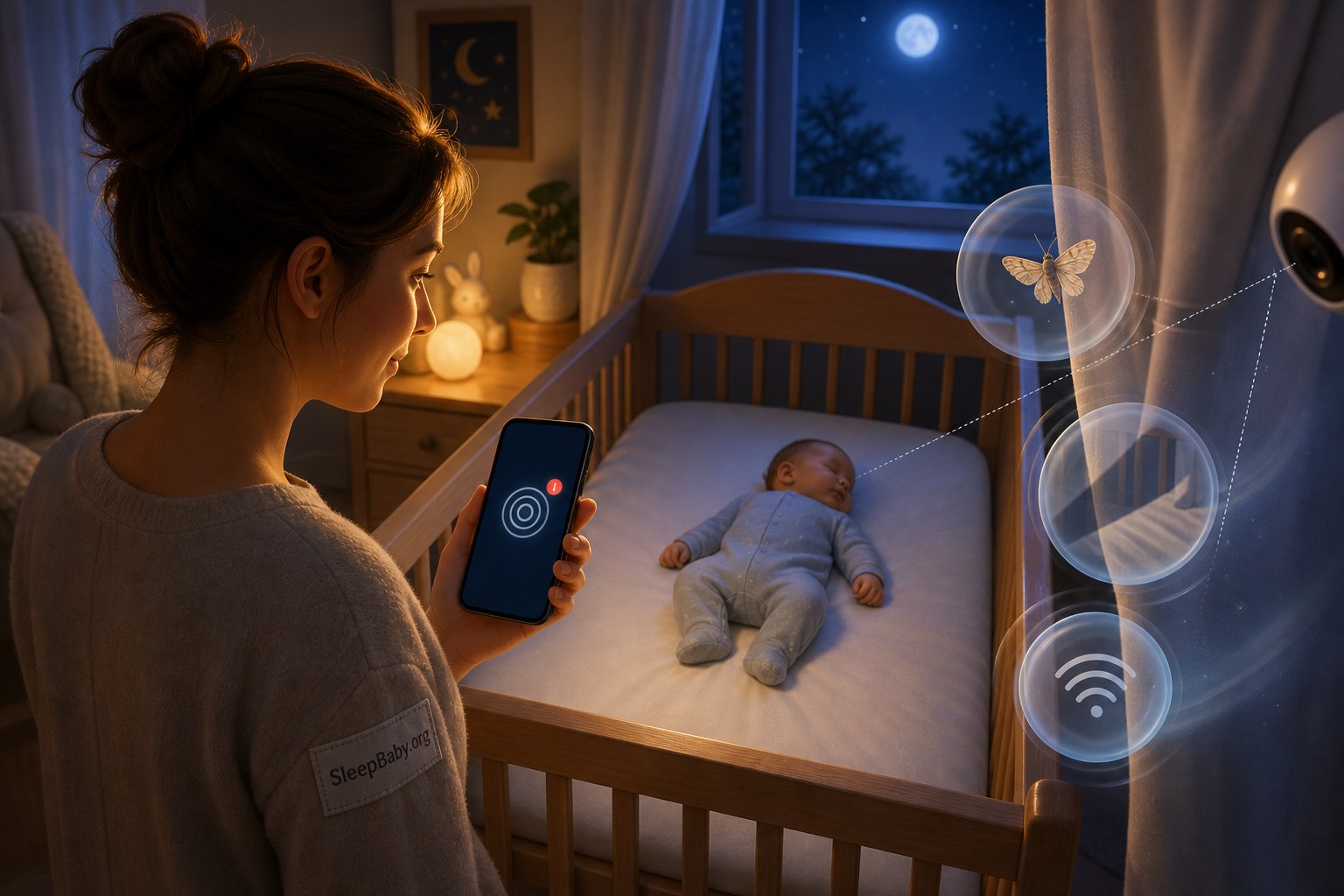
At 2:13 a.m., a red alert can turn one parent into a one-person incident command center. The phone vibrates. Your brain supplies sirens the app did not include. You open the feed, pinch to zoom, check the clock, check the baby, check the feed again, and briefly wonder whether a moth has developed an interest in infant sleep analytics.
The baby may be stirring. The camera may have lost its view. The notification may be late. The model may have seen a pattern it was trained to flag. Or the alert may be important. The color of the banner cannot settle that question by itself.
Here is the distinction that makes smart-monitor alerts more useful and less frightening: a monitor can put a red exclamation point on a pattern. It still cannot lean over the crib. Your first job is not to interpret the algorithm. Your first job is to look at the baby. Then, if the baby appears well, you can investigate the technology without treating every ping like a verdict.

What an AI baby monitor alert actually means
An alert is the last visible step in a chain. A sensor collects something: pixels, sound, temperature, movement, pulse rate, or oxygen saturation, depending on the exact product. Software cleans and summarizes that input. A rule or trained model compares the pattern with a threshold. The service creates an event. The app asks the phone to deliver a notification. Your phone decides whether to show, delay, group, silence, or hide it.
Each link can be useful. Each link can also be incomplete. A camera sees only its field of view. A microphone hears the room as well as the baby. A wearable touches one moving body in one fit position. A Wi-Fi monitor depends on power, a local network, remote services, an app session, and phone permissions. The alert on your lock screen is not raw reality; it is a processed message that traveled through that chain.
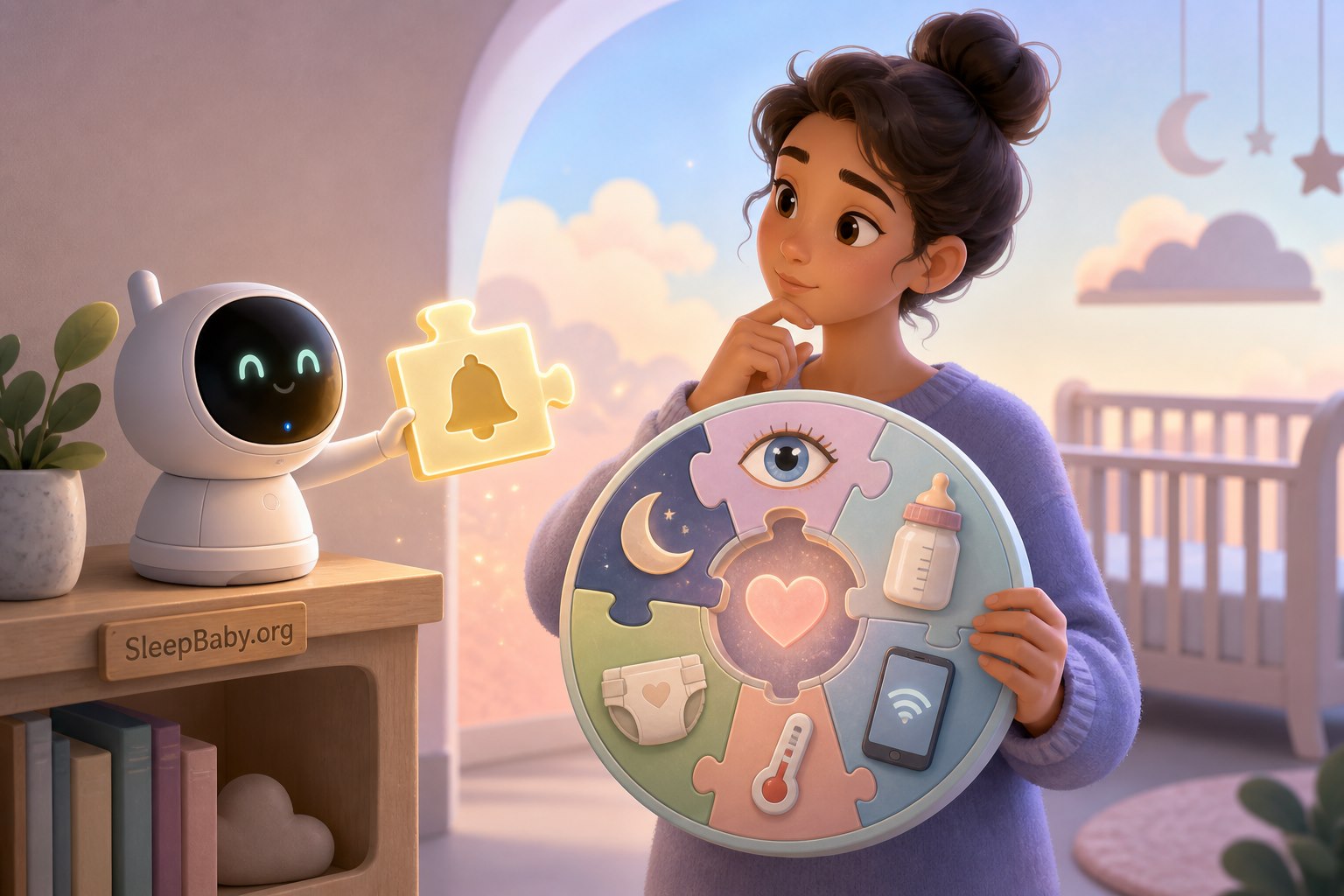
That does not make the technology worthless. It makes the alert a puzzle piece. The wider picture includes what your baby looks like, what happened just before the alert, what the device can truly sense, how the exact alert is defined, and whether the delivery chain was working.
Alert decoder
Six common alert types and the question each one should start
| Alert type | What may have triggered it | First useful question |
|---|---|---|
| Sound or cry | Volume, duration, or an acoustic pattern crossed the product’s threshold. | Is the baby crying now, and what does the whole scene show? |
| Motion or activity | Movement appeared in a selected camera zone or crossed a motion rule. | Was it the baby, a shadow, fabric, an adult, a pet, or a changed camera view? |
| Position or covered-face inference | The model interpreted posture, facial visibility, or an object in the available pixels. | What do I see in person, and is the camera angle clear and unobstructed? |
| Room condition | A temperature or humidity reading crossed a setting. | Is the sensor positioned correctly, and what does the exact product manual say? |
| Connection or power | The camera, base, internet route, account session, or phone lost a required link. | Is monitoring actually available, or am I looking at an old or frozen view? |
| Pulse or oxygen | A compatible exact device estimated a physiologic value outside its configured range. | How does the baby look, is the sensor fitted correctly, and what is the model-specific response plan? |
Product names are not definitions. “AI alert,” “wellness alert,” and “smart notification” can describe very different inputs and intended uses. Read the current manual and labeling for the exact model and software version you own.
Do AI baby monitors work?
They can work at the task they were designed and tested to perform. That is a narrower answer than the marketing mood often suggests.
A sound detector may reliably tell you that a loud sound occurred. A camera may identify movement in a clear zone. A temperature sensor may report a room reading. A model may classify a visible pattern. A specific authorized physiologic device may estimate pulse rate or oxygen saturation for its labeled use. None of those statements proves that the device can diagnose why a baby moved, predict every dangerous event, or replace direct observation and safe sleep.
Regulatory status also belongs to the exact device, not the whole category. For example, FDA open data lists the Owlet Dream Sock under De Novo number DEN220091 as a class II over-the-counter infant pulse-rate and oxygen-saturation monitor, with a decision date of November 8, 2023.5 That is meaningful for that exact product and intended use. It is not a blanket approval of every sock, camera, app, wellness score, sleep prediction, or SIDS claim.
The American Academy of Pediatrics says consumer heart-rate and pulse-oximetry monitors are not a strategy for reducing SIDS risk and do not replace a safe sleep environment.1 NICHD similarly says home heart, breathing, and movement monitors are not the primary way to detect SIDS.2 A reassuring number cannot make an unsafe sleep space safe. A frightening number cannot diagnose an emergency without the baby’s real condition and, when needed, clinical assessment.
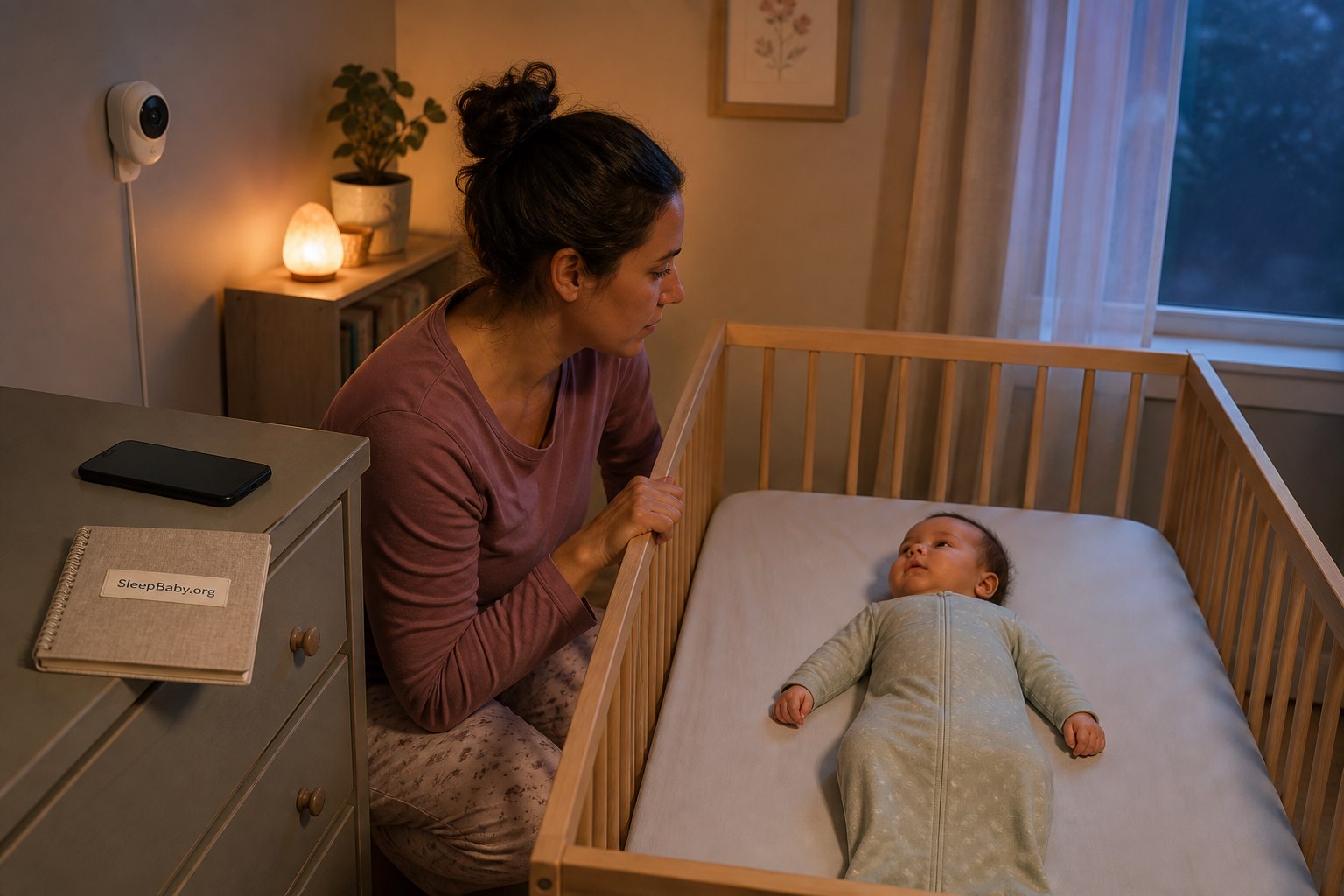
Use the BABY FIRST alert ladder
I use three levels because a tired brain needs fewer doors, not a hallway of seventeen options. This is a SleepBaby decision framework, not a medical score.
Red: look now and act on the baby
Go to the baby. If there is difficulty breathing, concerning blue, purple, or gray color, a seizure, marked unresponsiveness, or inability to awaken normally, call emergency services. The app’s number, label, confidence, and connection status do not outrank those observations.3
Amber: check in person and connect with a clinician
Your baby is responsive, but something is newly or persistently off: unusual breathing, poor feeding, repeated vomiting, fever concern, injury, a major behavior change, or repeated unexplained physiologic alerts. Check in person and call the pediatrician, urgent-care service, or prescribed-monitor team according to your existing plan. Bring the exact device name and alert text, but describe the baby first.
Blue: verify the alert and the delivery chain
Your baby looks, breathes, responds, and behaves normally. Identify the alert type. Check the live scene and timestamp. Look for camera obstruction, sensor fit, power, Wi-Fi, app sign-in, notification permissions, Focus settings, and battery restrictions. Record a recurring unexplained pattern and ask the manufacturer or pediatrician when appropriate.

Why AI baby monitors send false or confusing alerts
A false alert is not always a foolish machine making something up. Sometimes the sensor captured a real input and the inference was wrong. Sometimes the inference matched its rule but the event was harmless. Sometimes the event was important and the notification arrived late. Those are different failures, and they need different fixes.
A 2017 JAMA viewpoint on smartphone-integrated infant physiologic monitors described two durable concerns: motion artifact can produce false-positive alarms, and a monitor can surface real but clinically unimportant values that lead to anxiety, overdiagnosis, and unnecessary care.4 The consumer market has changed since 2017, so that paper should not be used to declare every current model inaccurate. It remains a useful explanation of why a number or alarm can be technically generated without answering the clinical question a parent thinks it answers.
Camera alerts depend on a clean, stable view
Changing light, infrared reflections, a curtain edge, crib rails, sleepwear, an adult hand, a pet, camera vibration, or the baby’s ordinary movement can change the available pixels. A face-visibility model cannot interpret a face it cannot see. A motion zone may detect a moth without knowing it is a moth. The alert may be faithful to the pixels and still be unhelpful to the parent.
Use a manufacturer-approved camera location with a clear view. Do not place a camera or cord on the crib. Recheck the frame after furniture moves, travel, daylight-saving adjustments, or a determined older baby gains reach. Test the alert with an adult present and the baby awake rather than discovering the actual delay at 2 a.m.
Wearable readings depend on fit, motion, skin contact, and the exact design
A wearable can shift during kicking, lose contact, fit differently as a baby grows, or be applied in the wrong position. Follow the exact sizing, placement, cleaning, charging, and replacement instructions. Do not improvise straps, tape, covers, or placement. If a prescribed medical monitor is involved, use the clinical team’s instructions instead of a general internet checklist.
The event and the phone notification are not the same thing
A camera can detect an event while the phone fails to announce it. Or the phone can display an old event after the scene has changed. Common places to inspect include:
- Sensor: camera view, microphone, wearable contact, room-sensor placement.
- Device: power, battery, firmware, local connection, status light.
- Service: account sign-in, subscription feature, outage, server connection.
- App: current version, background access, notification permission, selected alert categories.
- Phone: Focus or Do Not Disturb, volume, battery saver, data restrictions, grouped notifications, paired-watch routing.
- Human handoff: which caregiver is actually listening, awake, nearby, and responsible at that time.
If monitoring matters to your plan, test the full chain. Trigger a permitted test while another adult stays with the awake baby. Confirm that the correct caregiver receives the correct notification, with the phone locked and in the real nighttime mode. Repeat after a new phone, major operating-system update, router change, app reinstall, travel setup, or caregiver handoff.
How to tune alerts without turning the nursery into a tiny casino
More alerts do not automatically mean more safety. They can mean more awakenings, more checking, more accidental silencing, and less ability to distinguish the alert you intended to notice. The goal is a small, deliberate set that matches your actual use.
- Name the job. Is this monitor for hearing a cry from another room, viewing the sleep space, receiving a door or motion event, tracking room conditions, or following a clinician’s plan? One product may offer many features; you do not have to enable all of them.
- Learn every enabled alert. Read the exact definition, threshold, delay, and limitation. Turn off categories you cannot explain or would not act on.
- Set zones and sensitivity in daylight. Watch what enters the frame. Move curtains, doors, fans, mobiles outside the crib, and ordinary household traffic through their full range.
- Run an awake-baby test. Confirm the camera angle, time stamp, audio, alert delay, phone behavior, second-caregiver access, and recovery after Wi-Fi is restored.
- Choose one escalation plan. Decide who checks first, what real signs prompt emergency help, when to call the pediatrician, and who handles a connection failure.
- Review after change. Growth, new reach, furniture, travel, router changes, phone updates, and app updates can make last month’s setup unreliable.
If the app offers a confidence score, treat it as the model’s confidence in its own classification under that system – not the probability that your baby is medically safe. If it offers a sleep score, treat it as a summary of sensor-defined patterns, not a grade for the baby or parent. A dashboard is allowed to be interesting without becoming the family constitution.

A smart monitor does not change safe sleep
Place your baby on their back on a firm, flat, non-inclined sleep surface that meets applicable safety standards, with only a fitted sheet and no loose bedding, pillows, bumpers, toys, or positioners in the sleep space. Continue that baseline whether a camera is streaming, a sock is connected, or every dashboard tile is green.1
Keep monitor and camera cords at least three feet from the crib or other sleep environment, according to NICHD Safe to Sleep guidance.2 A cord can become reachable as a baby grows, stands, or pulls furniture. Route it according to the manufacturer instructions, keep the camera and accessories off crib rails, and reassess reach rather than relying on the setup photo from newborn week.
If your baby sleeps in your room, you may still decide a monitor is helpful for naps, travel, caregiver handoffs, or later room transitions. You may also decide that a live screen inches from your pillow adds vigilance without useful information. Our guide to whether you need a monitor while room-sharing can help separate the household job from the product feature list.
Treat nursery privacy as part of the physical setup
An internet-connected nursery camera can collect intimate household information: sleeping and feeding routines, adult conversations, another child’s voice, health details, room layout, and when people appear to be home. Privacy does not need to become a second emergency. It does need a setup checklist.
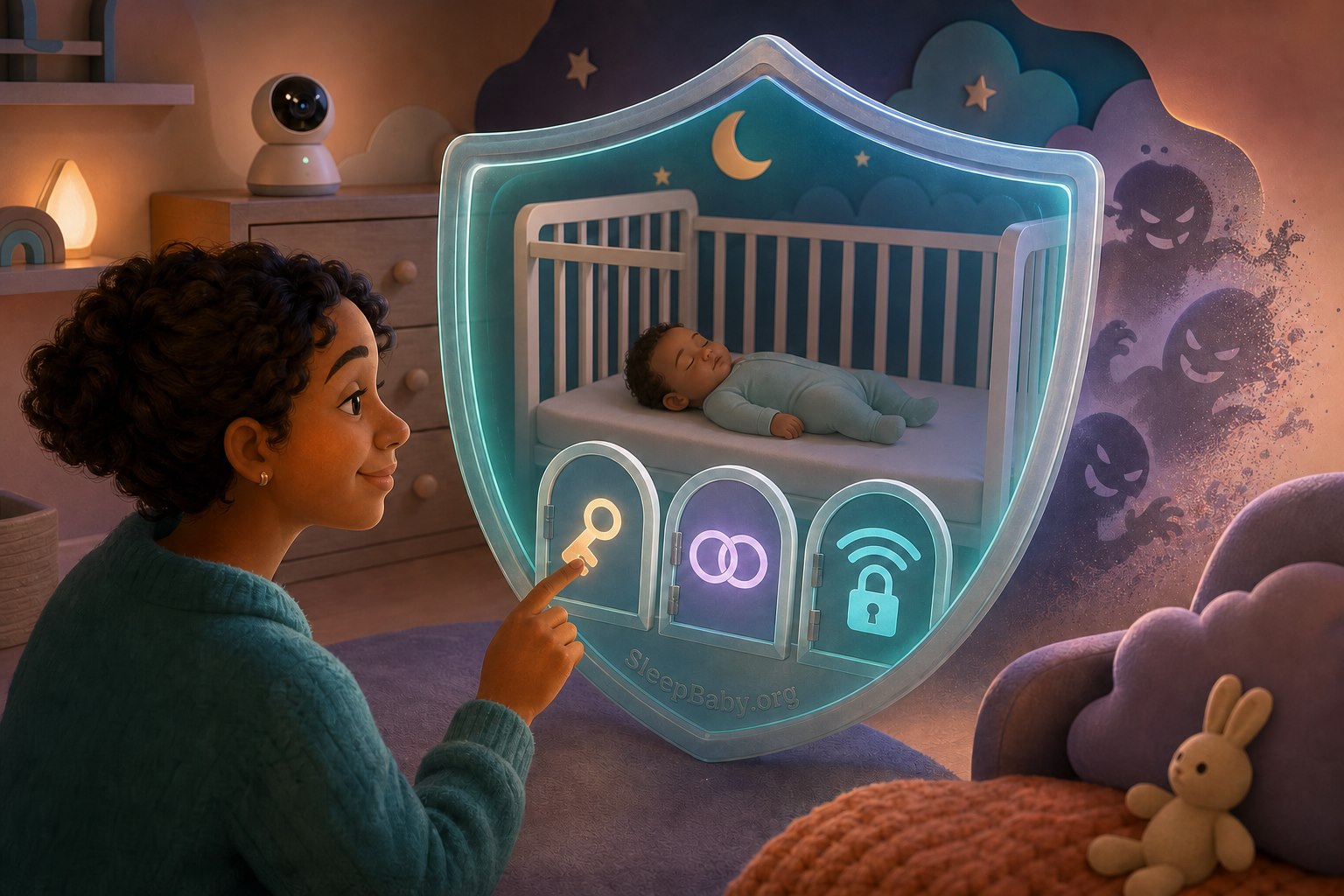
The Federal Trade Commission advises internet-connected camera owners to research encryption, use a strong unique password, enable two-factor authentication when offered, keep software current, secure home Wi-Fi with WPA2 or WPA3, consider a separate network, and review remote-viewing and sharing permissions.6
- Use a unique account password. Do not reuse the password from email, shopping, or another camera.
- Turn on two-factor authentication. Save recovery codes securely and remove access for old caregivers or devices.
- Update the app, camera, base, and router. Enable automatic security updates where the exact product supports them.
- Review who can view, speak, download, or share. Use the smallest access list that works for the family.
- Understand storage. Learn whether clips stay local or upload, how long they remain, whether people review them, whether they train models, and how deletion works.
- Disable what you do not use. Remote viewing, cloud clips, microphone access, analytics, or sharing should have a reason.
When a monitor company stops supporting a product, the decision is not only whether the video still turns on. Unsupported software can lose security updates and service reliability. Check the company’s support notice and replace or retire equipment when the risk no longer fits your home.
What to bring to the pediatrician when alerts keep happening
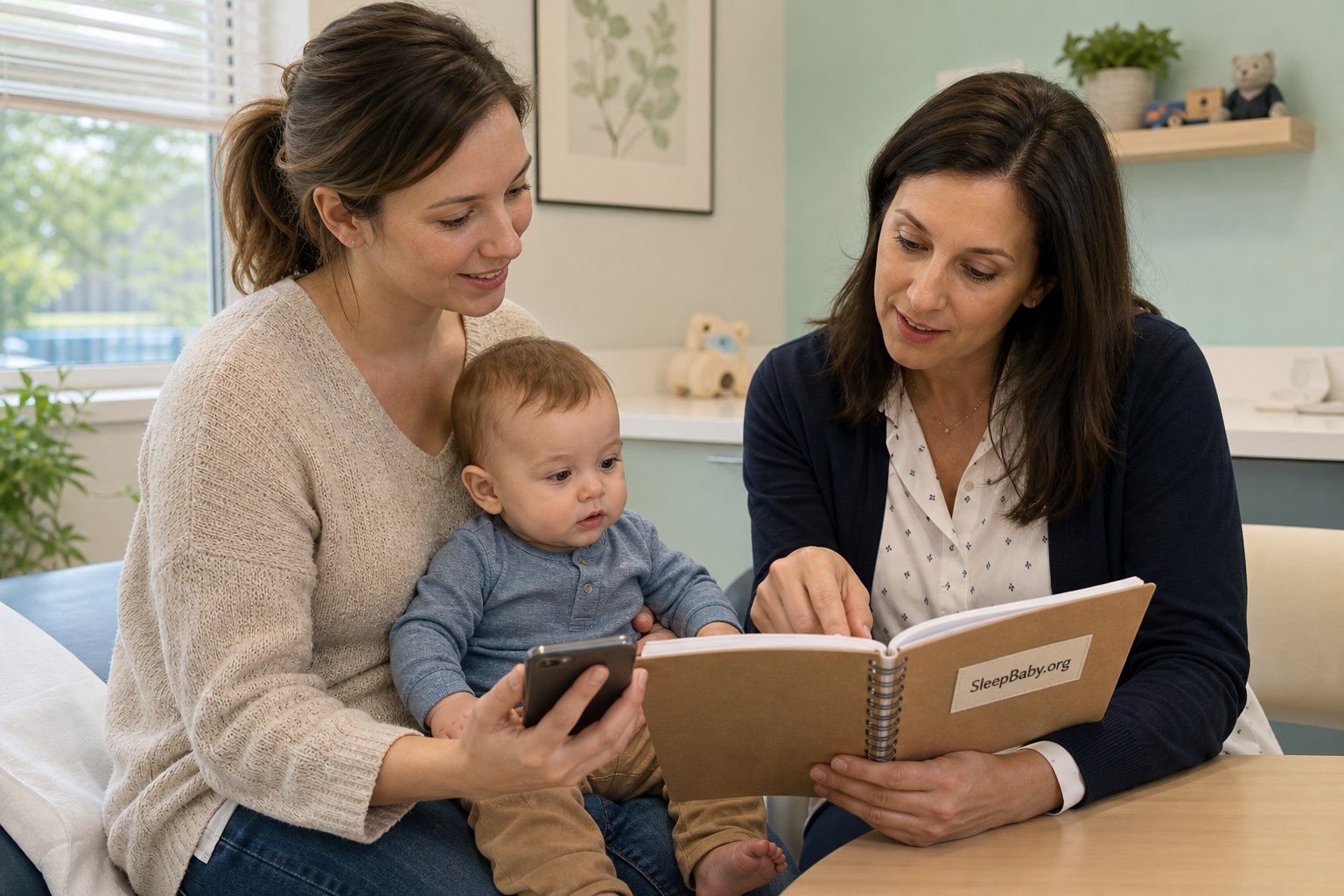
“The monitor keeps saying low” is frightening but incomplete. A short, orderly record gives the clinician more to work with:
- your baby’s age, birth history when relevant, and current health concerns;
- the exact monitor brand, model, sensor, app version, and regulatory or prescription status;
- the alert’s exact wording, value, time, duration, and whether it repeated;
- what your baby looked like: breathing, color, alertness, movement, feeding, temperature when appropriate, and other symptoms;
- whether you checked in person and what changed;
- sensor fit, camera view, power, connection, and any troubleshooting already completed; and
- a screenshot or short clip only when it can be captured without delaying care and without exposing unnecessary private information.
The clinician may decide the device output is relevant, irrelevant, or needs comparison with clinical equipment. That is not an insult to the product or the parent. It is what an actual assessment is for. If nighttime uncertainty is the larger pattern, our guide to when to worry about a baby’s sleep can help organize symptoms and questions before the call.
Watch: choosing safe sleep products before choosing smart features
This American Academy of Pediatrics video centers the product decision where it belongs: a safe sleep space first. It is not an AI-monitor demonstration and is not evidence that an alert prevents an emergency. The written safety guidance on this page remains complete if you cannot watch.
Written takeaway: start with a firm, flat, empty sleep surface and products intended for infant sleep. A monitor may support a household communication job, but it does not convert an unsafe product or setup into a safe one.7
AI baby monitor alert FAQ
Can an AI baby monitor prevent SIDS?
No consumer monitor should be used as a SIDS-prevention strategy. The AAP says consumer heart-rate and pulse-oximetry monitors are not a way to reduce SIDS risk, and NICHD says home heart, breathing, and movement monitors are not the primary way to detect SIDS.12 Follow safe-sleep guidance independently of the monitor.
Can a smart monitor tell if my baby stops breathing?
Capabilities vary. A camera may infer visible movement; a consumer wearable may estimate a physiologic signal; a prescribed medical monitor has a specific clinical role. None should be described more broadly than its exact labeling. If your baby appears to have difficulty breathing, concerning color, or unresponsiveness, respond to the baby and call emergency services rather than waiting for the app to confirm it.3
If you are here because you witnessed a frightening breathing event, use our guide to what to do when a baby appears to stop breathing during sleep and seek care based on the baby’s real condition.
What should I do with a covered-face alert?
Go look in person. Clear any camera obstruction and evaluate the actual sleep space. Do not place loose bedding, pillows, positioners, toys, or bumpers in the crib, and do not rely on a camera inference as permission to use them. If the alert repeats while the sleep space is empty and the baby is well, inspect angle, lighting, camera stability, zones, and the exact manufacturer’s guidance.
What if a monitor says low oxygen but my baby looks fine?
Check the baby in person, then follow the exact device’s instructions. Confirm correct sensor placement and fit without improvising. Note the value, duration, repetition, and the baby’s appearance. Contact the pediatrician or prescribed-monitor team for repeated or unexplained alerts. If the baby has breathing trouble, concerning color, seizure, or marked unresponsiveness, call emergency services regardless of a later normal reading.
Why am I not getting baby monitor notifications?
Check the monitor’s power and connection, live-feed timestamp, account sign-in, alert-category switches, app notification permission, background access, Focus or Do Not Disturb rules, battery saver, data restrictions, grouped notifications, watch routing, and whether another caregiver’s device became the active destination. Use a supervised awake-baby test after changes.
Should I watch the baby monitor screen all night?
Usually the useful job is receiving selected information, not maintaining a bedside broadcast. Constant viewing can increase checking and fragment parent sleep without adding a clinical assessment. Choose a small alert set, test it, keep the safe-sleep baseline, and discuss persistent anxiety or a medically complex baby’s monitoring needs with the appropriate clinician.
Is an AI cry translator the same as an AI baby monitor?
No. A cry translator classifies audio patterns. A smart monitor may combine audio, video, motion zones, room sensors, sleep summaries, or model-specific wearables. Our AI baby cry translator guide explains why an acoustic label is a clue rather than a diagnosis.

Use the monitor without letting it monitor your peace
In one ordinary composite night, the phone produced a dramatic motion alert. The baby was fine. The culprit was the edge of a curtain moving through the camera zone, which is a humbling amount of power to grant a curtain. The fix was not to stop caring. It was to check the baby, understand the alert, change the frame, and test the setup in daylight.
I like nursery technology best when it has a small, named job. Let the camera carry a view down the hall. Let a cry alert tell you that sound crossed a threshold. Let a connection alert tell you the view is unavailable. Do not ask any of those features to certify your competence or promise an outcome no app can promise.
When the alert is over but your nervous system is still online
Build a calmer plan for the part after you check
SleepBaby can help you turn the real pattern – timing, settling, room setup, caregiver handoff, and sleep – into one practical next step. Keep the monitor’s useful job. Give the rest of the night back to the family.
Sources
- American Academy of Pediatrics: A Parent’s Guide to Safe Sleep. Safe sleep, consumer wellness-monitor limits, and SIDS-risk guidance.
- NICHD Safe to Sleep: Frequently Asked Questions. Home-monitor limits and three-foot cord placement.
- American Academy of Pediatrics: When to Call Emergency Medical Services. Emergency signs and response guidance, updated May 11, 2026.
- Bonafide CP, et al. The Emerging Market of Smartphone-Integrated Infant Physiologic Monitors. JAMA. 2017;317(4):353-354. DOI 10.1001/jama.2016.19137.
- FDA open data: Dream Sock, DEN220091. Exact device classification, decision date, and intended device type.
- Federal Trade Commission: How To Secure Your Home Security Cameras. Password, two-factor authentication, updates, Wi-Fi, network, and sharing guidance.
- American Academy of Pediatrics: Preparing for Baby and Choosing Safe Sleep Products. Public, playable, and embeddable when reviewed August 8, 2026.
The SleepBaby.org Workshop
Make a plan for
the next bedtime.
Practical help for wake-ups, short naps, and sharing the night shift. Watch the original video, then get 15 guides and five audio tracks for $9.
$9 USD, paid once. No subscription. Digital access.
Watch the original Baby Sleep Miracle presentation
Press play for a little help with your baby’s next bedtime.
Original presentation. Watch before you decide.
15practical guides
5audio tracks
1one-time payment
Kind words about the original video
“Thank you so much for this video!”
“I'm truly impressed with how much information you share in your video.”
Inside the Workshop
Start with the night
you're having.
You don't need to read all 15 guides before bedtime. Choose the one that answers the question in front of you, then come back for the next part.
Before you buy
A few things
made clear.
A straightforward purchase, with space to decide what fits your family.
What am I buying?
The SleepBaby.org Workshop includes 15 digital guides, five audio tracks, and the original Baby Sleep Workshop PDF as an additional download. It costs $9 USD, paid once, with no subscription. Nothing is shipped.
Where should I start?
Try Tonight Rescue when you need a starting point. If your question is more specific, go straight to the guide on naps, a caregiver handoff, the sleep space, or another topic. You can read at your own pace.
Is this personal sleep coaching?
No. This is an educational collection for parents of babies and young children. Use the age-specific guidance, and bring feeding, breathing, growth, illness, or other health concerns to your child's clinician. It does not diagnose a problem or promise a sleep result.
Is the video the paid Workshop?
You can watch the original Baby Sleep Miracle presentation on this page. Your purchase is the SleepBaby.org Workshop collection of guides, audio tracks, and the original PDF described here.
How do I find it after checkout?
On your thank-you or order-status page, look for Open Workshop access, then Open your SleepBaby Workshop. Keep your order confirmation so you can return. If you need help finding your access, use our Workshop download help.
The SleepBaby.org Workshop
Have somewhere to start
at the next bedtime.
15 practical guides. Five audio tracks. One $9 purchase.
A quiet parent-to-parent note
What would you add about Baby Gear & Nursery?
Share one useful detail, question, or experience. No account is needed. Please leave out names, medical records, and other private details.
There is room for the first useful note.
If you have a thoughtful question or detail about Baby Gear & Nursery, you can begin the conversation below.