Quick answer
An AI baby cry translator can suggest a pattern, but it cannot tell you exactly why your baby is crying
No baby cry app can reliably translate every cry into hunger, pain, gas, tiredness, or a diagnosis. Research models can find acoustic patterns, and some perform better on broad categories such as pain versus non-pain than on a baby’s specific need. That makes an app an optional clue or logging tool, not a medical test and not a replacement for looking at your baby. Check breathing, color, alertness, temperature when appropriate, feeding, diapers, comfort, age, and the minutes before the cry. If the cry is new or alarming, the baby looks unwell, or your instinct says something is wrong, contact a clinician rather than waiting for an app label.
The small routines
Feeds, changes,
and a little time for rest.
The feeds and changes keep coming, and you’re figuring out where sleep fits between them. Watch our video below for practical ideas for settling your baby.
Prefer to read?Press play for a little help with your baby’s next bedtime.
Kind words about the original video
“Thank you so much for this video!”
“I'm truly impressed with how much information you share in your video.”
The SleepBaby Workshop
Get the Workshop.
Get the Workshop, including Our Night Handoff and the Caregiver Shift & Fatigue Plan. 15 guides and five audio tracks in a simple browser hub. Read, listen, and return to the part you need.
A conversation, if you want one.Night Owls is the SleepBaby chat room. Read what is there or join in.
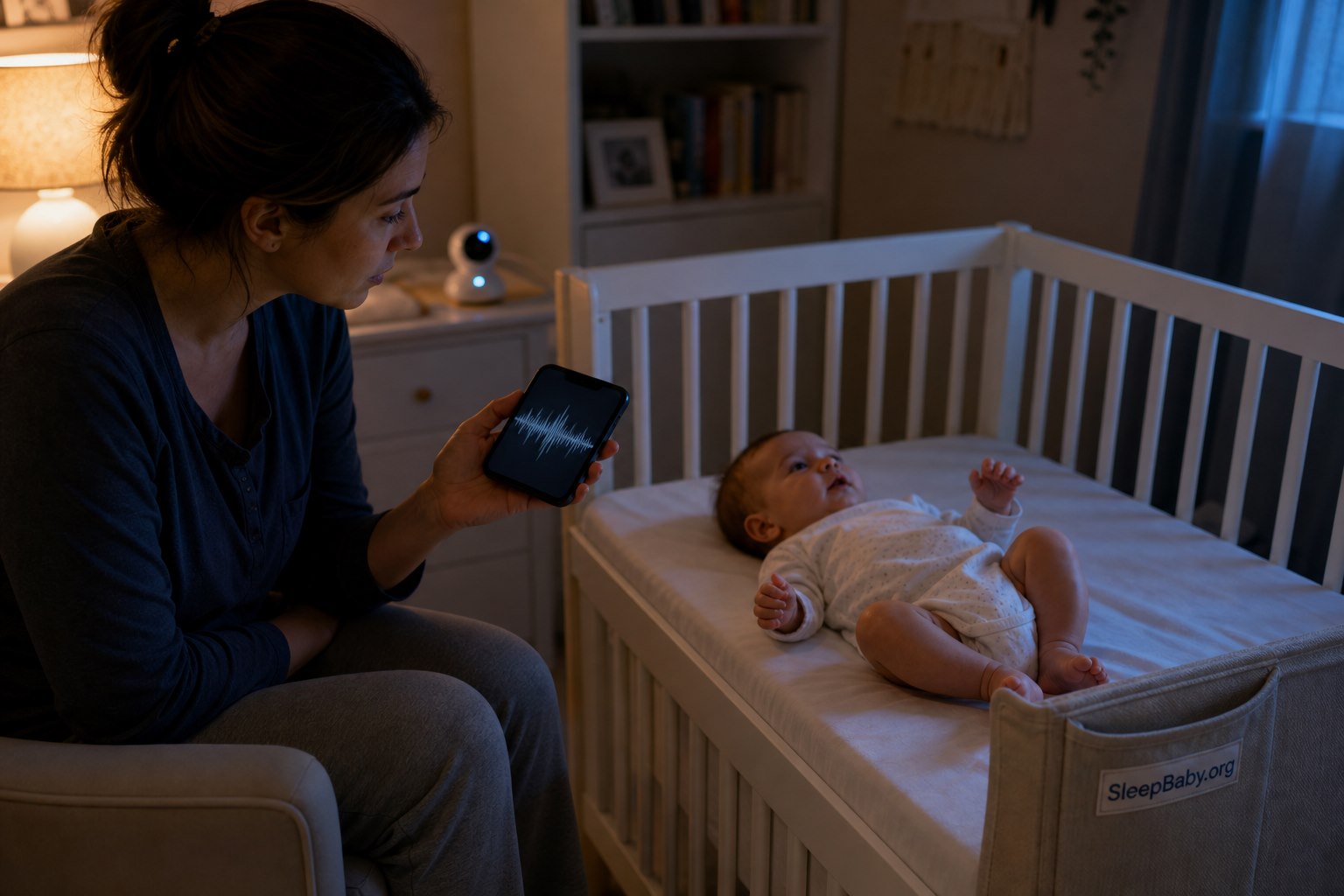
At 2:07 a.m., a phone that promises to turn one furious sound into one tidy word can feel like a tiny oracle. You hold it near the crib. A waveform shivers. The screen says hungry, even though the baby just fed. You offer milk anyway. The baby turns away and cries harder. Now there are two mysteries in the room: the cry, and whether the app knows something you do not.
Here is the steadier answer: a cry app can label a sound; it cannot examine the baby who made it. A microphone does not see a pinched sleeve, count wet diapers, notice a change in color, know that the last nap ended twelve minutes ago, or feel the difference between a warm forehead and an ordinary warm cheek. The useful information is the sound plus the baby, the context, and what changes when you respond.
This guide explains what AI cry translators actually analyze, what the research numbers do and do not prove, how to use an app without letting it overrule your eyes, which privacy questions to ask, and when the safest next move is medical care rather than another recording.

What is an AI baby cry translator?
An AI baby cry translator is an app, monitor feature, or research system that records a short cry and compares its acoustic features with patterns learned from labeled recordings. Depending on the product, it may return categories such as hungry, tired, fussy, uncomfortable, pain, or needs attention. Some products also log time, duration, or trends.
The word translator is doing a great deal of marketing work. Human language has shared words and grammar. Infant crying is a biological signal shaped by arousal, breathing, age, health, temperament, environment, and the baby’s current state. A model is not decoding a secret sentence. It is estimating which training label best matches the audio pattern it heard.
That distinction matters. If an app says “hungry,” the honest interpretation is closer to: “This recording resembles examples that this model was taught to call hungry.” It does not mean the baby has confirmed hunger, and it certainly does not mean hunger is the only possible reason for the cry.
How the algorithm hears a cry
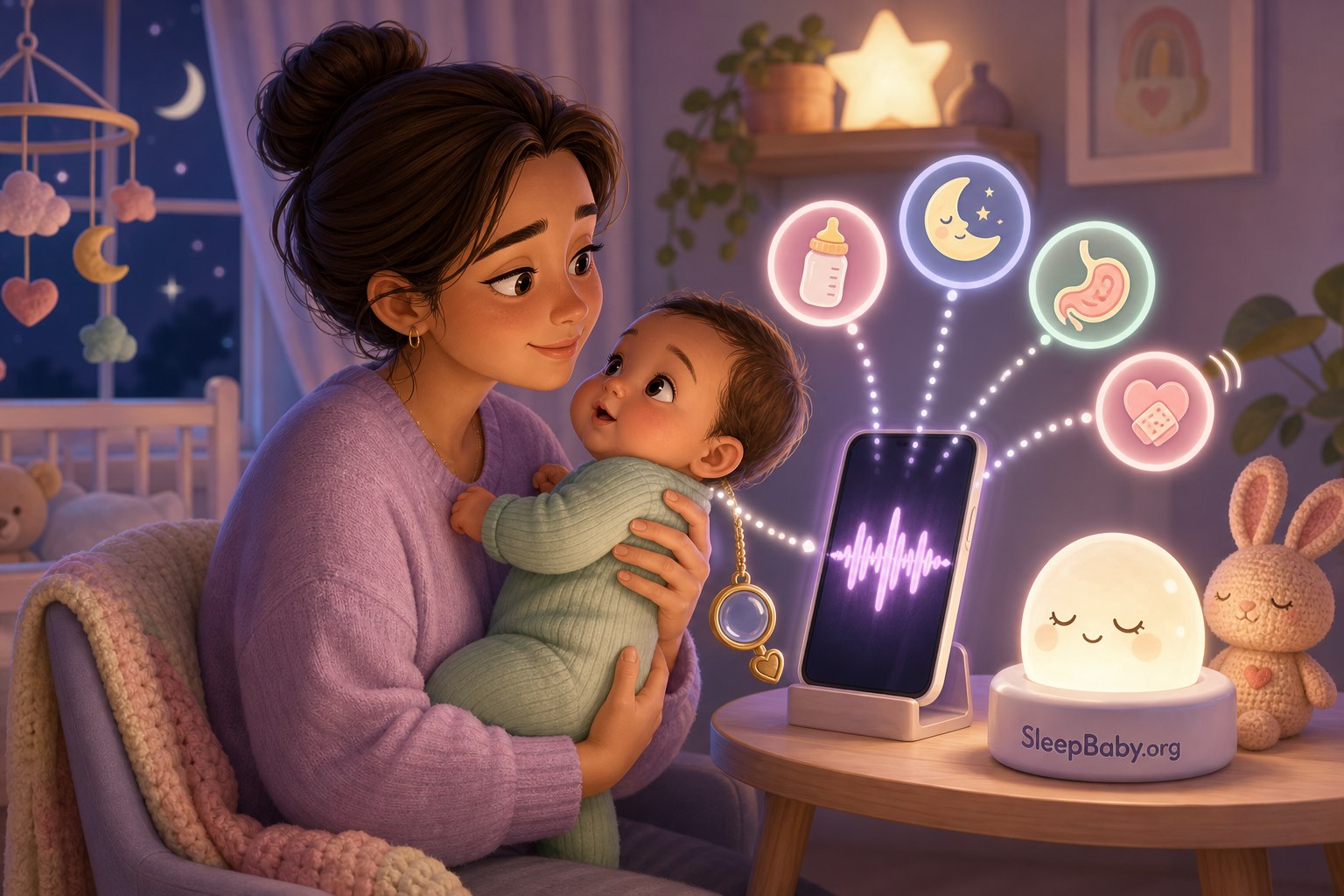
Most cry-recognition research converts sound into measurable features. These can include pitch or fundamental frequency, intensity, duration, pauses, rhythm, spectral shape, and representations such as mel-frequency cepstral coefficients. A machine-learning model then learns statistical boundaries among labeled examples. New recordings are placed on one side or another of those learned boundaries.
The difficult part is not only the mathematics. It is the label. Researchers may know that a cry happened during a vaccination, before a feed, or during a fussy period. Those contexts are useful, but they do not provide direct access to the baby’s inner reason. A baby can be hungry and tired at once. A vaccination cry is a clearer pain example than an ordinary evening cry. A parent-reported label can be sincere and still uncertain.
Read the output precisely
What the app says, what it actually means, and what to do next
| App output | What it actually means | Your next check |
|---|---|---|
| Hungry | The sound resembles recordings labeled as hunger in that model. | Look at time since feeding, rooting, hand-to-mouth behavior, latch or bottle response, and your feeding plan. |
| Pain | The cry shares acoustic features with pain-labeled examples. It is not a diagnosis or a body exam. | Look at breathing, color, alertness, fever risk, injury, movement, feeding, and the whole baby. Escalate for red flags. |
| Tired | The model found a pattern associated with a sleep-related label. | Review age, recent sleep, the minutes before the cry, stimulation, and whether the baby settles with an ordinary wind-down. |
| Gas or discomfort | A broad discomfort label may combine several states that sound alike. | Check positioning, burping after feeds, diaper, clothing, temperature, stool pattern, and whether symptoms are new or persistent. |
| Unknown | The recording did not fit the model confidently enough, or the product chose not to force a label. | Treat uncertainty as honest. Return to the baby and context instead of recording repeatedly. |
What the research shows – and what the accuracy numbers leave out
There is real science here. There is also a large gap between a promising study and a universal bedside translator.
A 2022 study used 1,607 ten-second infant-cry recordings and compared several neural-network approaches. The models performed around 95% in the study’s healthy-versus-sick distinction, while the best result for specific needs reached about 60% accuracy.3 That contrast is instructive: a model can look impressive on one broad task and much less certain when asked to name a specific need.
A 2019 ChatterBaby study assessed 1,000 cries labeled around pain, hunger, and fussiness. Its algorithm reported 90.7% accuracy for identifying pain cries and 71.5% accuracy across pain, hunger, and fussiness.4 The study is worth reading. It does not prove that every commercial cry app, phone microphone, room, infant age, or home situation will reproduce those results.
Before you trust any advertised percentage, ask five questions:
- What exactly was classified? Pain versus non-pain is a different task from hunger versus tiredness versus gas versus loneliness.
- Whose babies were in the data? Sample size, age range, health status, language environment, and recording setting affect how broadly results can be applied.
- How were labels established? A vaccination supplies a relatively clear pain context. “Tired” or “gas” can be much harder to verify independently.
- Was testing independent? Performance on babies, devices, and rooms not represented in training is more informative than performance on familiar data.
- Is the number about this exact app version? A paper about one research model is not validation for every product that uses the phrase AI cry translator.
Room noise, distance from the phone, a television, an older sibling, microphone processing, a pacifier, overlapping adult speech, and the first second missed while you unlock the screen can all change the recording. So can the baby. A two-week-old’s cry, a six-month-old’s protest, and a toddler’s yell are not interchangeable audio samples.

Use the LISTEN framework before you believe the label
I use LISTEN as a six-step reality check. It keeps the app in its proper place: one small input inside a much larger caregiving decision.
L – Look at the whole baby
Notice breathing, color, alertness, movement, temperature when appropriate, rash, swelling, injury, and whether the cry changes when the baby is held. The baby’s appearance outranks the app.
I – Inspect the immediate context
When did the baby last feed, sleep, burp, stool, or have a wet diaper? What happened in the five minutes before crying? Was there a vaccination, fall, loud noise, car ride, separation, or difficult feed?
S – Scan for safety signs
Use age-specific medical guidance. A young infant with fever or a baby with breathing trouble, abnormal color, unusual responsiveness, injury, or persistent inconsolable crying needs human assessment, not more audio samples.2
T – Try one low-risk response
Offer the response that best fits the real context: feed when feeding cues and timing support it, change a wet diaper, adjust uncomfortable clothing, reduce stimulation, hold and sway, or begin the usual sleep routine. Do not cycle through ten fixes at once.
E – Evaluate what changed
Did the baby root and feed eagerly, relax with lower stimulation, cry with movement, reject the bottle, or remain distressed? Response to care is new information. A label that does not fit can be set aside without an argument.
N – Note the pattern, not a verdict
If logging helps, record time, duration, feeding, sleep, diapers, symptoms, and what helped. Bring a short pattern and a representative recording to the pediatrician when needed. Do not turn one label into a permanent story about the baby.
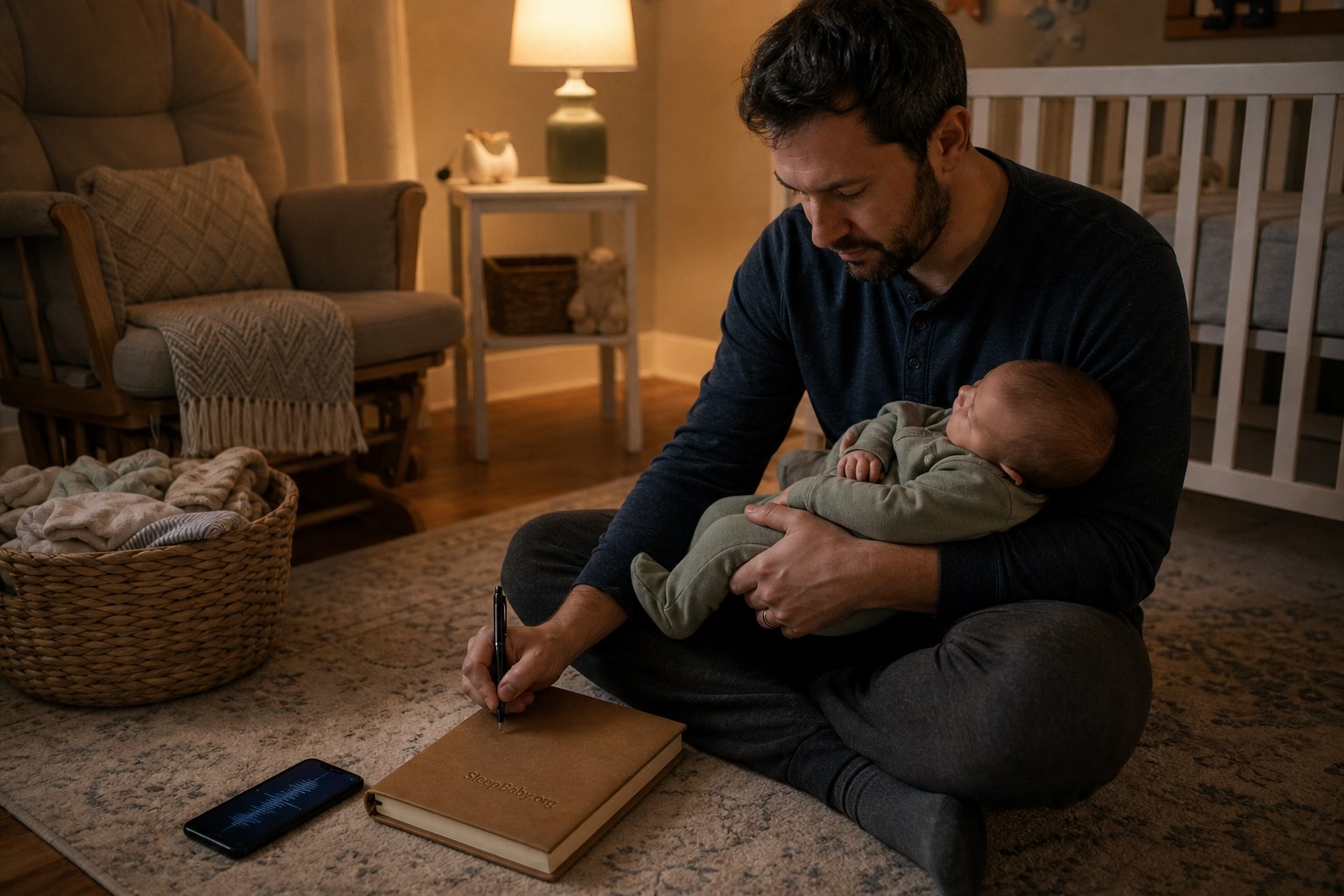
The notebook is not glamorous, but it often knows more than the dramatic red word on a screen. Three evenings of crying after a rushed feed, no burp, and a late nap tell a different story from three random “pain” labels. Patterns create questions a clinician can use. Labels can create certainty nobody earned.
How to respond to the five labels parents see most
If the app says hunger
Use feeding cues and context. Rooting, hands to mouth, lip movements, searching at the chest, and an appropriate interval since the last feed support offering milk. Crying is a later hunger cue, but it is not hunger-only. A tired, overstimulated, uncomfortable, or ill baby may also mouth hands or refuse a feed.
Offer the breast or bottle according to your feeding plan and watch the baby’s response. Do not force a feed to make the app right. If a young baby is feeding poorly, difficult to wake for feeds, repeatedly vomiting, or producing markedly fewer wet diapers, call the pediatrician.
If the app says pain
Do not panic, and do not dismiss it. Look at the baby. Pain-like acoustic patterns can be useful research signals, but a phone cannot locate the pain, assess severity, or rule out illness. Check for injury, hair wrapped around a toe or finger, diaper-area irritation, tight clothing, swelling, fever risk, a bulging soft spot, unusual movement, and whether touch or motion makes crying worse.
If the baby looks well and settles with ordinary care, note the episode. If the cry is suddenly different, persistent, high-pitched or weak, linked to movement, or paired with another concerning sign, contact a clinician. If you are going to a visit, one short recording can sometimes help describe what happened after the room becomes mysteriously peaceful.
If the app says tired
Look at recent sleep and the minutes before the cry. An already-unraveling baby after a long awake stretch may need a simpler, earlier wind-down. A bright-eyed baby who protests only when placed down may not be ready yet. The sound alone cannot reliably separate overtiredness, undertiredness, separation, discomfort, or normal young-infant evening crying.
Our guide to why babies cry before going to sleep walks through body, timing, age, and goodbye clues without pretending the loudest minute is the whole story.
If the app says gas or discomfort
Gas is a broad explanation and an easy one to overuse. Try ordinary supportive care: hold the baby upright after feeding when that helps, pause for a burp, check latch or bottle flow, loosen pinching clothing, and observe stool, feeding, spit-up, and weight-gain patterns. Do not use a cry label to diagnose reflux or start medicine.
If feeding is painful, the baby arches or refuses feeds repeatedly, there is blood or green vomit, growth is a concern, or symptoms are persistent, ask a clinician. Our guide to reflux and infant sleep separates common spit-up from patterns that deserve medical attention.
If the app says colic or fussy
Colic is not a sound translation. It is a clinical pattern of prolonged crying in an otherwise healthy infant after other concerns are considered. The Royal Children’s Hospital guideline notes that crying commonly rises in the early weeks, often peaks around 6 to 8 weeks, may cluster in the late afternoon or evening, and usually improves by about 3 to 4 months.1
The ChatterBaby study found acoustic similarities between colic cries and pain-labeled cries.4 That is an interesting scientific finding. It does not prove that colic has one pain cause, that an app can diagnose colic, or that parents should treat every colic episode as an emergency. If long crying spells fit your baby, use our colic and sleep guide alongside your pediatrician’s assessment.
When a cry app may actually help
An AI translator can be useful when it lowers cognitive load rather than raising alarm. Reasonable uses include:
- Starting a simple log: time, duration, feeding, sleep, diaper, symptoms, and what helped.
- Saving a representative clip: a short recording may help a clinician understand a recurring sound that disappears at the appointment.
- Prompting a body check: a pain label can remind a tired adult to slow down and look carefully, as long as the app does not replace triage.
- Sharing care observations: two caregivers can compare patterns using the same neutral notes instead of debating whether a cry “sounded hungry.”
- Supporting research: families may choose to contribute recordings to a clearly explained study with appropriate consent and privacy protections.
Stop using it if you are recording the same episode repeatedly, waking to check labels after the baby has settled, feeding or medicating solely because of the output, or feeling more frightened with every notification. A tool that turns ordinary uncertainty into constant surveillance is not helping the family.
How to choose a baby cry translator without buying the confidence
- Find the evidence for the exact product. Look for peer-reviewed testing of the current model, not a general statement that researchers use AI on infant cries.
- Check the categories. Fewer, clearly defined categories can be more honest than a colorful wheel claiming to distinguish every need.
- Look for uncertainty. Confidence ranges, “unknown,” and clear limitations are better signs than a product that always produces a decisive label.
- Read the safety language. The app should say it is not a diagnosis, should list age-appropriate red flags, and should never tell you to delay care.
- Inspect privacy before granting microphone access. Learn what is recorded, where it is stored, how long it is retained, whether humans review clips, whether data train models, and how to delete recordings and the account.
- Prefer less notification. You need a calm clue, not a tiny casino of alerts, streaks, and certainty badges.

A cry recording can capture more than the baby
A nursery recording may include adult conversations, another child’s voice, names, health details, routines, television audio, and background clues about the home. The Federal Trade Commission explains that websites and apps can collect information directly, through permissions, and through tracking technologies, then use or share it according to their practices.5
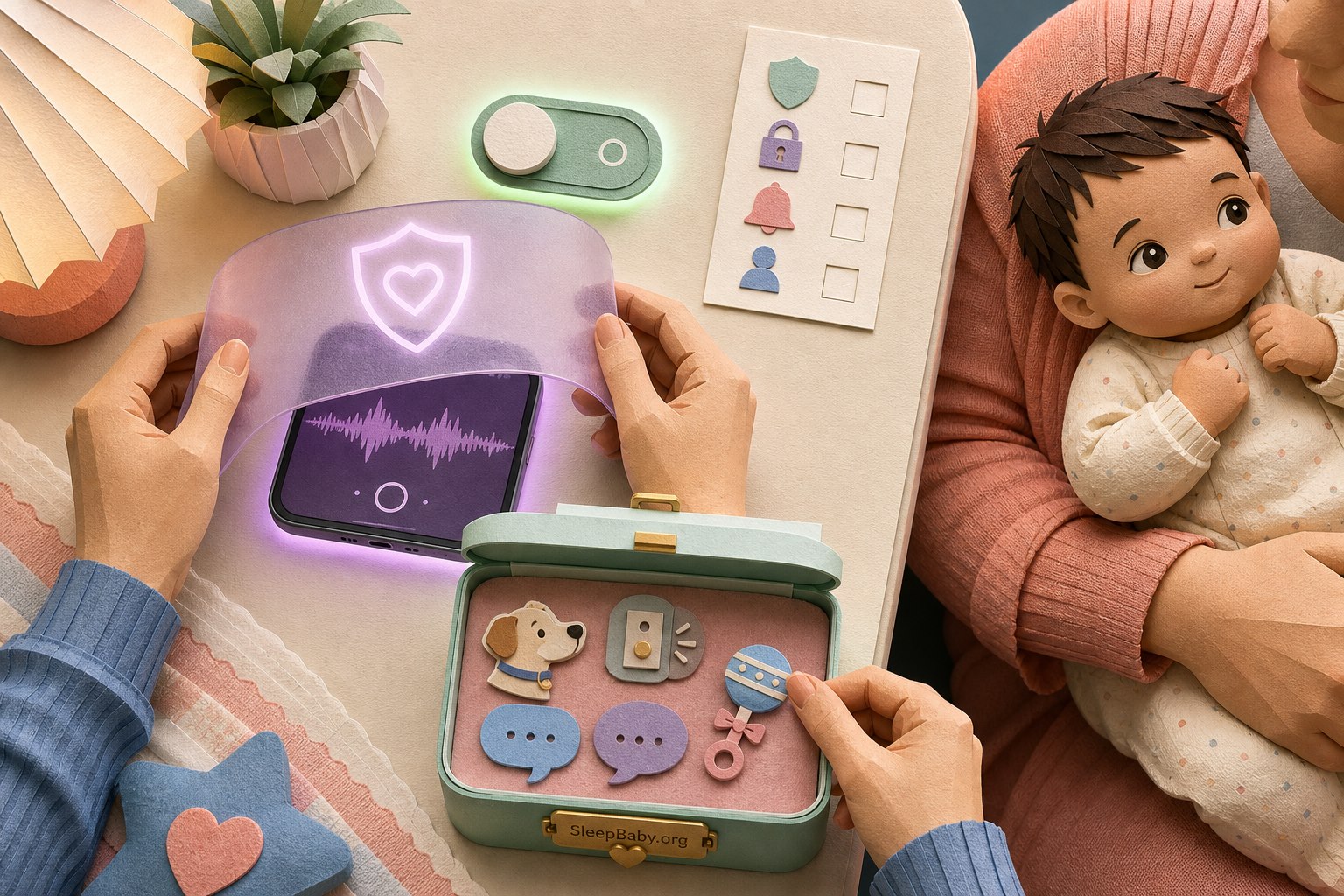
Before installing, read the current privacy policy and permission screen. Ask:
- Does audio stay on the device, or upload to a server?
- Are clips stored, reviewed by people, shared with vendors, or used to train models?
- Can you use the app without creating a child profile or entering a birth date?
- Can you delete individual recordings, exported data, and the full account?
- Does the app collect advertising identifiers, location, contacts, or analytics unrelated to cry analysis?
- What happens after a subscription ends or the company is sold?
Grant only the permissions the feature needs. Avoid recording near private conversations. Delete clips you no longer need. Uninstall an app that will not explain how it handles infant audio. “Anonymous” is not a magic word; repeated audio, timestamps, device data, and household context can still be sensitive even when a name field is blank.
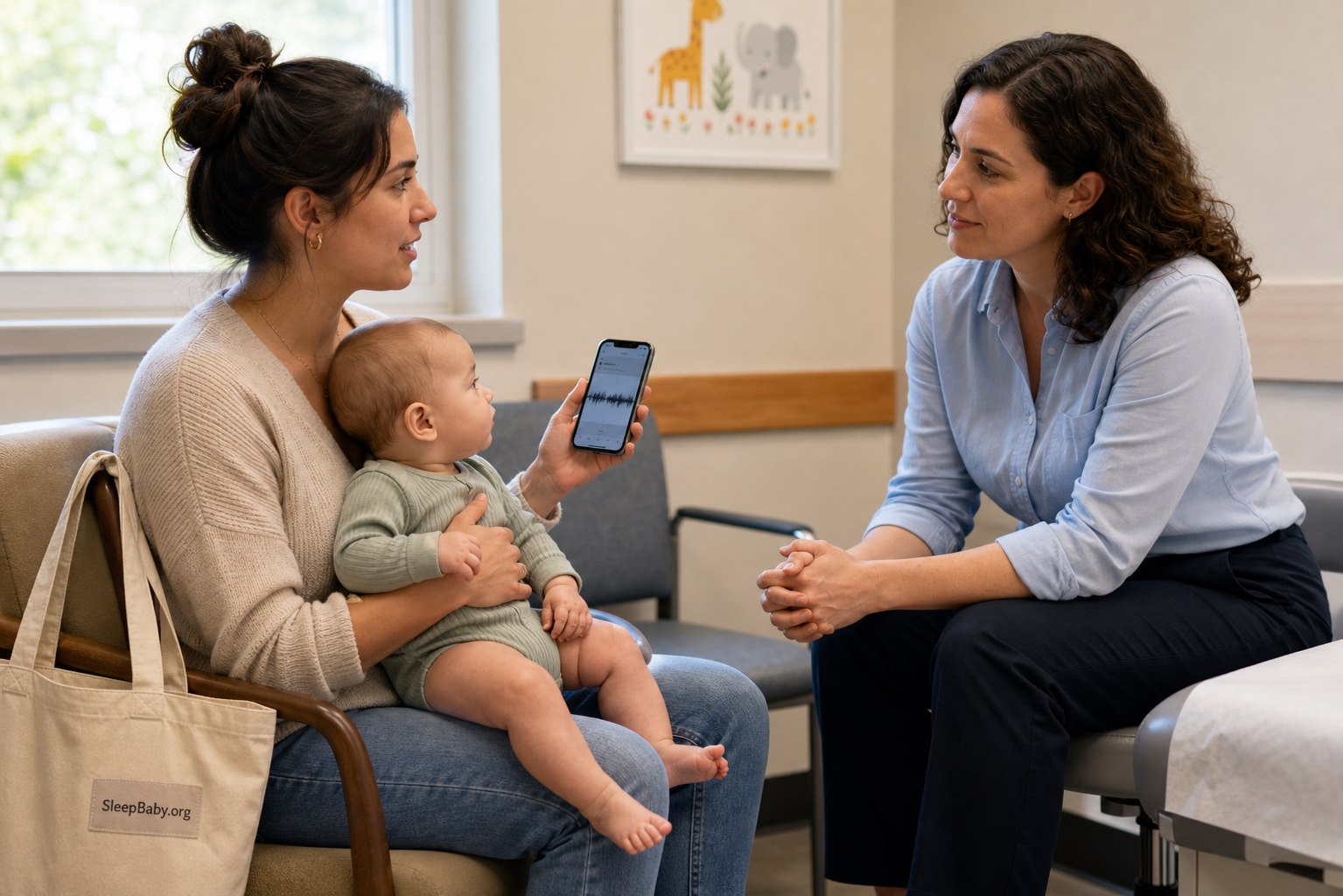
What to bring to the pediatrician instead of an app verdict
A clinician can do more with a short, specific pattern than with “the app says pain.” Bring:
- the baby’s age and when the pattern began;
- time of day, duration, and how often crying occurs;
- feeding amount or pattern, spit-up or vomiting, stool, and wet diapers;
- sleep and awake periods;
- fever or other symptoms, medications, recent vaccines, falls, or illness exposure;
- what makes the crying better or worse;
- one representative recording, if it can be captured safely without delaying care; and
- the exact app label only as an observation, not the diagnosis.
The clinician may ask about weight gain, feeding technique, development, family stress, and the physical exam. Those are not side quests. They are the context an audio classifier lacks.
The same app label means different things at different ages
Newborn to 3 months
Use the lowest threshold for medical advice. Feeding, weight, hydration, fever, and normal early-infant crying patterns deserve age-specific guidance. An app should never reassure you away from care in this period.
Older infant
Context expands: separation, mobility frustration, teething discomfort, changing sleep, and illness may overlap. The cry remains only one part of the picture.
When language emerges
Gestures, pointing, words, behavior, and the situation increasingly out-inform an audio label. A toddler yelling at a closed snack cupboard has already supplied rather good metadata.
Any age with a new pattern
Sudden, persistent, unusual, or symptom-linked crying deserves fresh attention even if yesterday’s similar-sounding cry was harmless.
Watch: A pediatrician explains colic relief and when to call
This American Academy of Pediatrics video is not a cry-translation demonstration. That is exactly why it belongs here. It keeps the decision centered on the baby’s age, symptoms, soothing, caregiver safety, and when medical advice is needed. The complete written safety guidance remains on this page if you cannot watch.
Written takeaway: Persistent crying is hard, common soothing strategies do not work every time, and caregivers need a safe pause when overwhelmed. Call the pediatrician when crying or the baby’s condition falls outside the expected pattern.6
AI baby cry translator FAQ
Do babies really have different cries?
Cries can differ in pitch, intensity, rhythm, duration, and context, and research can detect some group-level patterns. That does not create a universal dictionary in which one sound always means hunger and another always means gas. The same baby may sound different across age and illness, and several needs can overlap.
What is the most accurate baby cry translator app?
There is not enough transparent, independent, head-to-head clinical evidence to name one consumer app as a universally most accurate translator. Compare the exact product’s current validation, categories, population, uncertainty reporting, privacy practices, and safety instructions. Avoid choosing solely from star ratings or one impressive percentage.
Can an app tell if my baby is in pain?
It may flag an acoustic pattern that resembles pain-labeled recordings, and some research models have performed well on that task. It cannot locate pain, determine its cause, assess severity, or rule out illness. If the baby looks unwell or the cry is new and concerning, use clinical guidance regardless of the label.
Can an app tell whether my baby is hungry?
It can offer a guess. Feeding cues, time since the last feed, growth, diaper output, and the baby’s response to an offered feed provide more useful context. Do not force feeding because an app says hungry, and do not withhold feeding because it says tired.
Can a cry app diagnose autism or another developmental condition?
No consumer cry label should be used to diagnose autism, neurological disease, or another developmental condition. Acoustic research may study associations, but a research signal is not a diagnosis. Developmental concerns belong with validated screening and a qualified clinician who evaluates the whole child.
Should I leave a cry translator running all night?
Not as a substitute for safe sleep, appropriate supervision, or a medical monitor. Continuous recording may collect private household audio and can increase checking and anxiety. If you use a monitor feature, follow the device instructions, keep cords out of reach, protect the account, and remember that no consumer cry label proves a sleeping baby is safe or unsafe.
What if the app keeps getting my baby wrong?
Believe the mismatch. Stop trying to teach your baby to fit the categories. Delete or disable the tool if it adds noise. You have not failed a test; the model has encountered a person more complicated than its menu.

Keep the app small enough to be useful
In one ordinary composite night, the phone said hungry. The baby refused milk, relaxed when the lamp went down, and fell asleep against a parent’s chest. The label was not sinister. It was simply less informed than the room.
I like a tool best when it can be wrong without taking the family hostage. Let it offer a clue. Let your eyes disagree. Let a pattern notebook outvote a notification. Let the pediatrician examine what a microphone cannot.
The goal is not perfect translation. It is a safe next step. Look first. Listen in context. Try one gentle response. Escalate when the baby, not the app, tells you the situation is bigger.
When every evening cry starts a new theory
Turn the pattern into one calmer next step
SleepBaby can help you organize the real clues – feeding, timing, comfort, settling, and sleep – so one uncertain label does not run the whole night. Keep the useful observation. Lose the false certainty.
Sources
- Royal Children’s Hospital Melbourne: Clinical Practice Guideline – Unsettled or Crying Babies. Normal early-infant crying patterns, red flags, caregiver support, and clinical assessment.
- American Academy of Pediatrics: Crying Baby – Before 3 Months Old. Age-specific urgent and emergency guidance for infant crying.
- Kuo C-L, et al. Deep Learning for Infant Cry Recognition. International Journal of Environmental Research and Public Health. 2022;19(10):6311. DOI 10.3390/ijerph19106311.
- Barlow J, et al. Defining and Distinguishing Infant Behavioral States Using Acoustic Cry Analysis: Is Colic Painful? Pediatric Research. DOI 10.1038/s41390-019-0592-4.
- Federal Trade Commission: How Websites and Apps Collect and Use Your Information. Permissions, tracking, collection, use, and privacy choices.
- American Academy of Pediatrics: Colic Relief Tips and When to Call Your Pediatrician. Public, playable, and embeddable when reviewed August 8, 2026.
The SleepBaby.org Workshop
Make a plan for
the next bedtime.
Practical help for wake-ups, short naps, and sharing the night shift. Watch the original video, then get 15 guides and five audio tracks for $9.
$9 USD, paid once. No subscription. Digital access.
Watch the original Baby Sleep Miracle presentation
Press play for a little help with your baby’s next bedtime.
Original presentation. Watch before you decide.
15practical guides
5audio tracks
1one-time payment
Kind words about the original video
“Thank you so much for this video!”
“I'm truly impressed with how much information you share in your video.”
Inside the Workshop
Start with the night
you're having.
You don't need to read all 15 guides before bedtime. Choose the one that answers the question in front of you, then come back for the next part.
Before you buy
A few things
made clear.
A straightforward purchase, with space to decide what fits your family.
What am I buying?
The SleepBaby.org Workshop includes 15 digital guides, five audio tracks, and the original Baby Sleep Workshop PDF as an additional download. It costs $9 USD, paid once, with no subscription. Nothing is shipped.
Where should I start?
Try Tonight Rescue when you need a starting point. If your question is more specific, go straight to the guide on naps, a caregiver handoff, the sleep space, or another topic. You can read at your own pace.
Is this personal sleep coaching?
No. This is an educational collection for parents of babies and young children. Use the age-specific guidance, and bring feeding, breathing, growth, illness, or other health concerns to your child's clinician. It does not diagnose a problem or promise a sleep result.
Is the video the paid Workshop?
You can watch the original Baby Sleep Miracle presentation on this page. Your purchase is the SleepBaby.org Workshop collection of guides, audio tracks, and the original PDF described here.
How do I find it after checkout?
On your thank-you or order-status page, look for Open Workshop access, then Open your SleepBaby Workshop. Keep your order confirmation so you can return. If you need help finding your access, use our Workshop download help.
The SleepBaby.org Workshop
Have somewhere to start
at the next bedtime.
15 practical guides. Five audio tracks. One $9 purchase.



A quiet parent-to-parent note
What would you add about Newborn & Infant Care?
Share one useful detail, question, or experience. No account is needed. Please leave out names, medical records, and other private details.
There is room for the first useful note.
If you have a thoughtful question or detail about Newborn & Infant Care, you can begin the conversation below.