When the bassinet is four feet away and the monitor is glowing six inches from your face
You do not need a baby monitor merely because your baby sleeps in your room. If your baby is on a separate safe sleep surface and you can already hear or see them, a monitor usually adds no useful overnight information. It can still earn a place for naps, the stretch before your bedtime, a noisy or spread-out home, hearing access, or any moment you are elsewhere inside the house. That is awareness—not proof that a baby is safe, protection from SIDS, or a substitute for supervision.
My short buying rule: do not buy a monitor to watch a baby who is already within your natural reach. Buy the least complicated monitor that closes a real doorway, distance, noise, or accessibility gap.
First name the monitor’s job
The private question underneath this search is rarely about electronics. It is, “Am I being careless if I do not buy one?” The answer is no. An ordinary audio or video monitor is not part of the safe-sleep recipe. Back placement, a firm, flat, level and noninclined infant sleep surface, a fitted sheet, a clear sleep space, and room-sharing without bed-sharing are. A monitor can carry sound or pictures across a gap. It cannot turn an unsafe surface into a safe one, recognize every breathing problem, or supervise a baby while an adult leaves the home.
That distinction matters because room-sharing already removes much of the gap. The American Academy of Pediatrics recommends a separate infant sleep surface in the caregiver’s room, ideally for at least the first six months; its parent guidance says at least six months and preferably up to age one. If you are sleeping a few feet away, you will usually hear the same cries, coughs and waking sounds an audio unit would relay. A screen beside your pillow may simply give those sounds a picture—and give your brain a second job at 2:13 a.m.
Room-sharing does not mean you must stand beside the bassinet for every nap. You can shower, make food, finish a conversation or spend the first part of the evening in another room. Those are the moments when a monitor may become genuinely useful. The useful question is therefore not “Does my baby sleep in my room?” It is “When my baby sleeps, am I ever too far away, behind too many doors, surrounded by too much household noise, or missing an alert format I need?”
SleepBaby.org · The original video
A little help
for the night ahead.
Take a moment to watch the original Baby Sleep Miracle presentation. Your article will be right here when you’re ready to keep reading.
Ready to get started?Take the next step with SleepBaby.
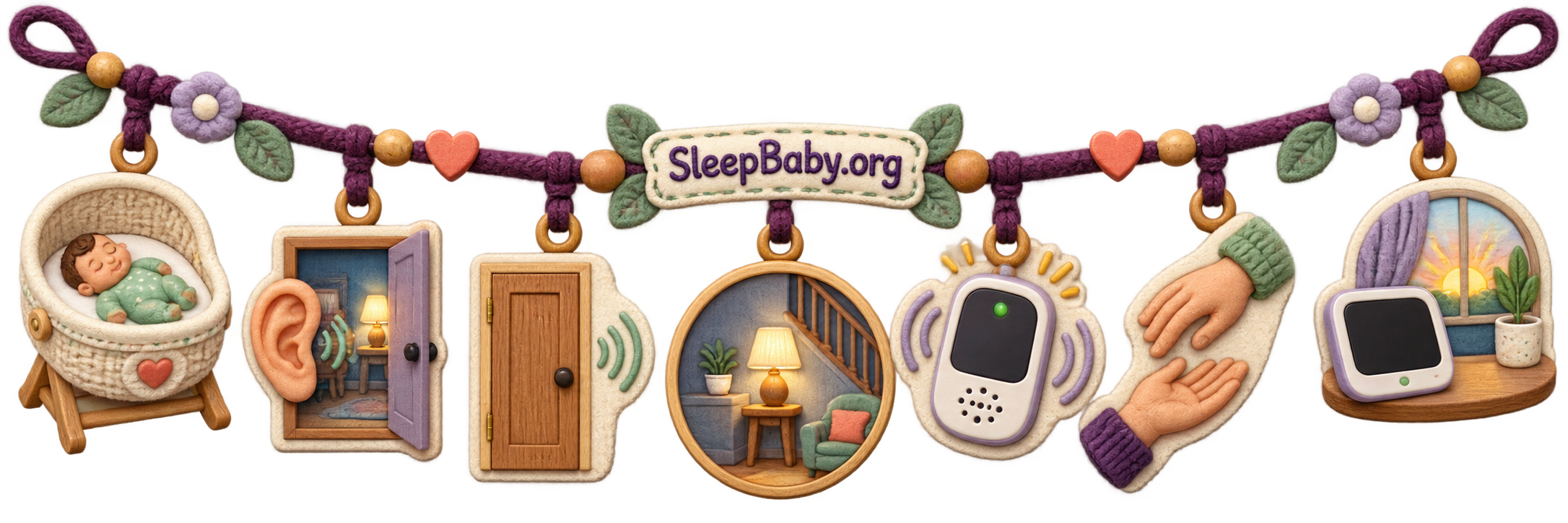
Help my baby sleepThe doorway test
Would the monitor close an information gap that changes what you do?
No real gap
You are in the same room, the home is small, and ordinary sound reaches you. Skip the monitor or keep it off overnight.
A temporary gap
Baby goes down before you, naps behind a closed door, or household sound masks cries. Basic audio may be all you need.
A specific access need
You need vibration, bright sound lights, a visual check, two caregiver units, or a longer range. Choose for that exact need.
A “yes” does not automatically mean video, Wi-Fi, cloud recording or a wearable sensor. It means one channel is missing. Start with that channel. The least elaborate device that solves the real job is often the easiest to trust, test and eventually stop using.
Clearly labeled composite Kacey-and-Benjamin scene — not a memory and not evidence
The world’s least eventful television channel
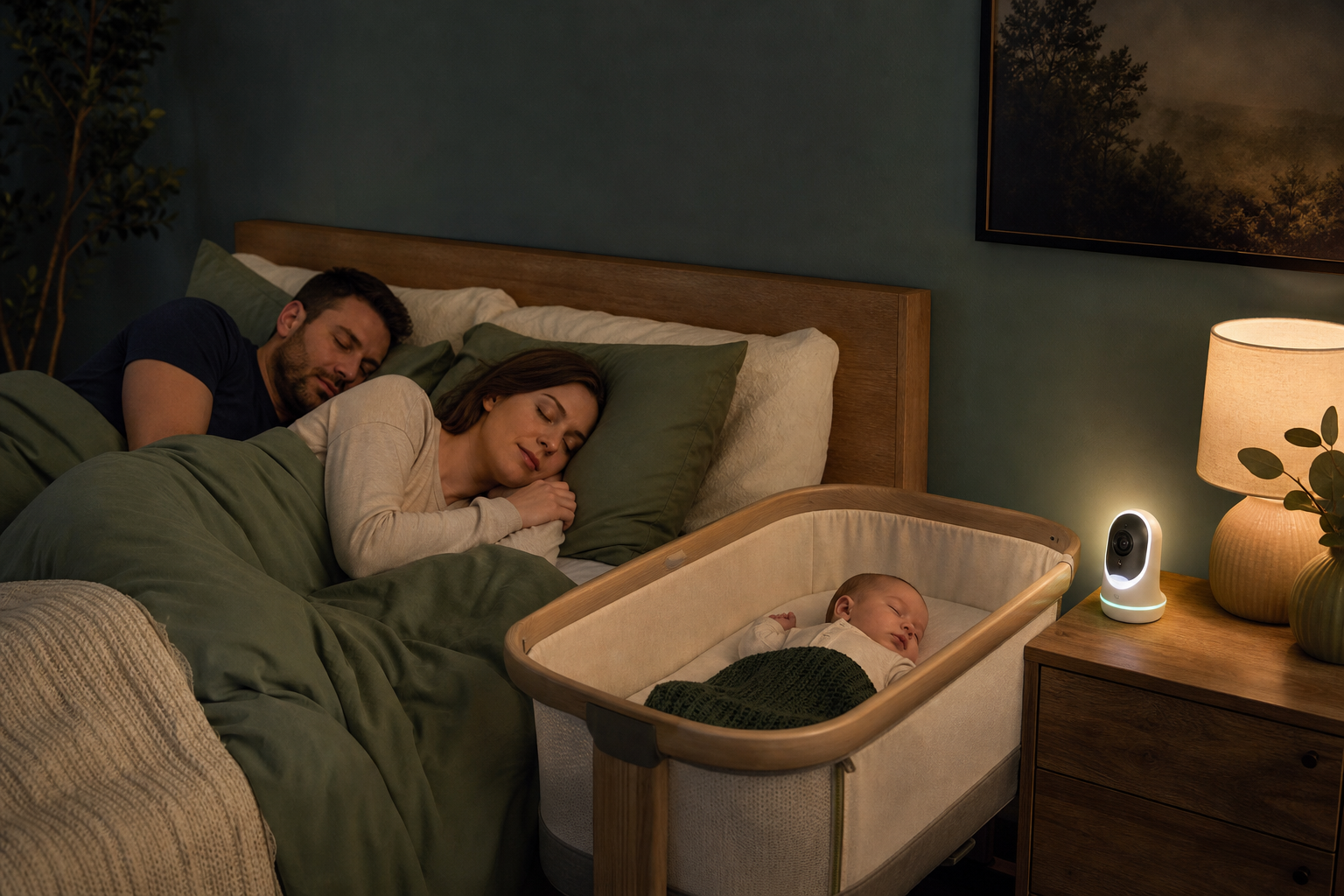
Imagine this composite night: Benjamin is asleep in a bare bassinet beside the bed, and I am Kacey, propped against two pillows watching a video feed of the same bassinet from almost the same angle. Benjamin grunts. The screen glows. I zoom in. He stretches, goes quiet and keeps sleeping. Nothing is wrong, but the monitor has recruited me to narrate every ordinary movement.
Then I turn the screen off. I can still hear him. I can still reach him. The safe sleep setup has not changed by a millimeter. What changes is my assignment: I am allowed to rest until a sound or caregiving need asks me to get up. In this composite scene, the monitor was not bad technology. It was simply solving a distance problem that did not exist.
I would make a different choice at 7:30 p.m., when Benjamin is in that same bassinet and I am downstairs finishing dinner. Now a basic sound alert crosses a real boundary. That is the hinge I want parents to keep: a monitor can be useful in one part of the day and unnecessary in another. Owning one does not require streaming it all night.
Match the setup to the smallest useful tool
This table is not a shopping ladder. More features are not automatically more care. It starts with the household job, then asks what information would actually prompt a response.
| Your real setup | What is often enough | Why | What to avoid assuming |
|---|---|---|---|
| Baby and sleeping caregiver share one room, with baby on a separate safe surface | No monitor, or the unit off overnight | Natural hearing and proximity already cover ordinary waking sounds. | A live picture is not proof of normal breathing or protection from SIDS. |
| Baby sleeps in your room but goes down before you or naps while you are elsewhere | Basic audio; add a visual sound indicator or vibration if useful | It closes the temporary earshot gap without creating a permanent screen-watching job. | Advertised open-field range is not the same as performance through your walls. |
| You need to tell active-sleep noise from a fully awake baby without entering | Local, non-Wi-Fi video may help | A brief visual check can answer “eyes open and calling, or still asleep?” | Watching chest movement on consumer video does not medically confirm safe breathing. |
| You want remote viewing or caregiver sharing | A connected camera only if that access is worth the privacy and update work | It can let an authorized caregiver check from an approved location. | Cloud access, recordings and shared accounts require deliberate security choices. |
| Your baby has a medical condition or a clinician says monitoring is needed | The exact clinician-directed and appropriately authorized medical plan | Medical monitoring has a different purpose, evidence standard and response plan. | A consumer sock, app, movement pad or camera is not a substitute. |
If the room itself is the question, our guide to how long room-sharing is recommended and when a move may make sense separates the first-six-month recommendation from the later family decision. Moving rooms and buying a monitor are related choices, but neither one makes the other safe by itself.
A monitor does not prevent SIDS or certify that breathing is normal
NICHD does not recommend home heart, breathing, motion or similar monitors as a primary way to detect or prevent SIDS. The FDA warns that unauthorized infant vital-sign monitors may give inaccurate readings, create false alerts, miss real changes, delay care or prompt unnecessary care. No infant monitor is authorized to prevent SIDS or SUID.
If your baby has severe trouble breathing, turns blue or gray, is markedly unresponsive, or has another emergency sign, call emergency services regardless of what any screen or app says. If a clinician has prescribed monitoring for a medical condition, follow that specific plan and ask what each alert means, how the device is checked and exactly when to seek help. Do not replace it with a consumer product.
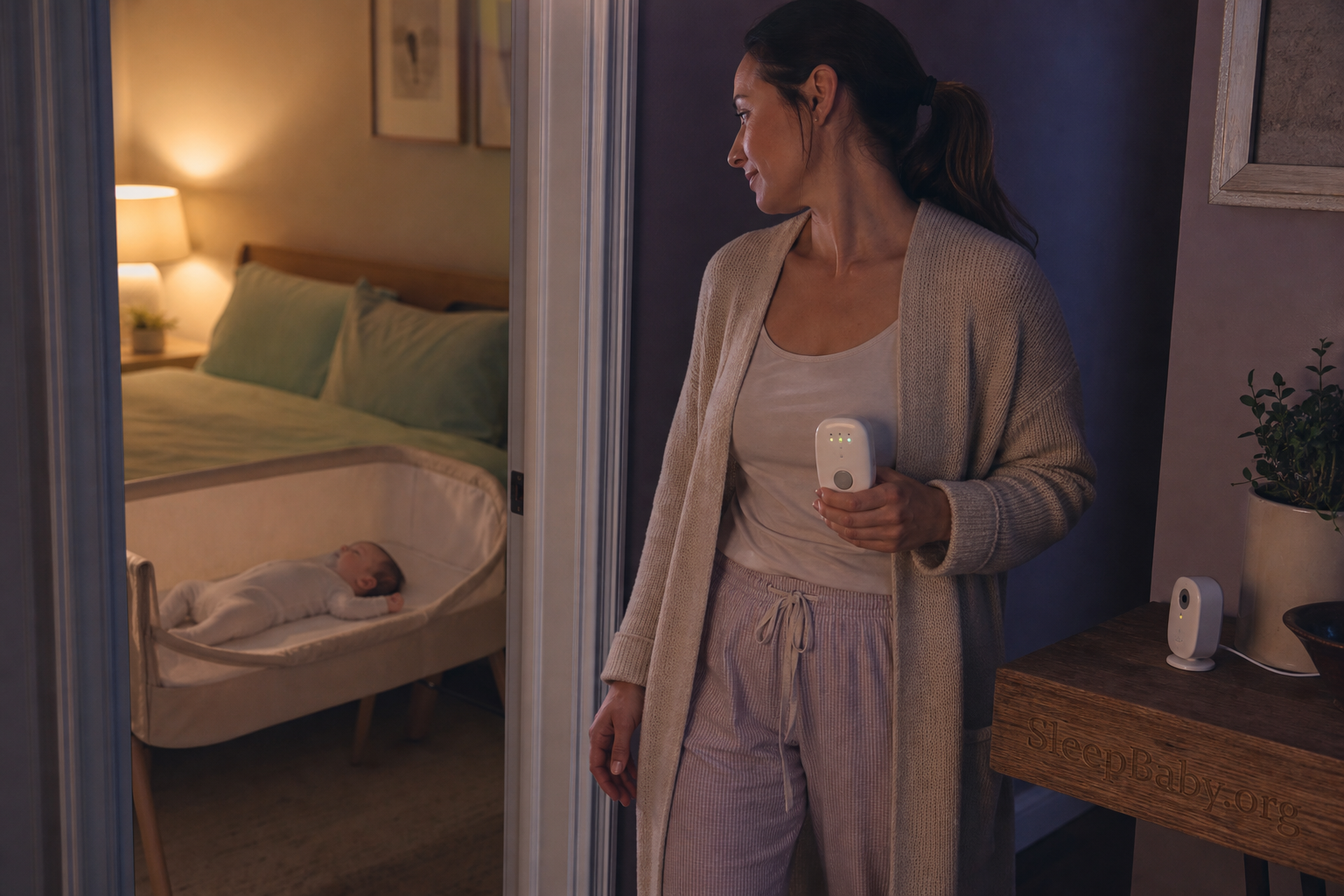
The safe sleep setup stays exactly the same
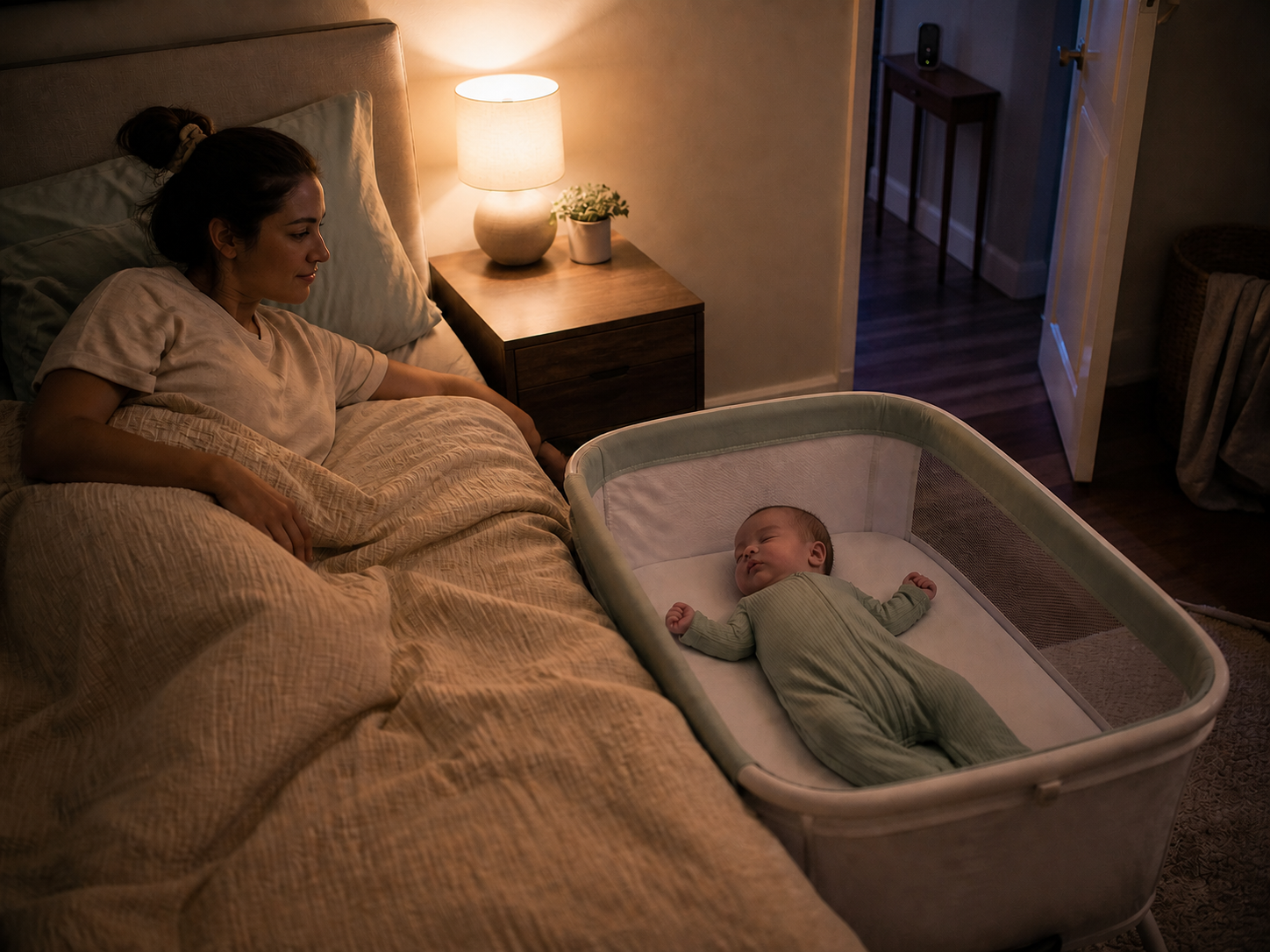
Whether a monitor is off, on or not in the house, place your baby on their back for every sleep on a separate, firm, flat, level and noninclined infant sleep surface that meets applicable safety standards. Use only the fitted sheet. Keep pillows, blankets, stuffed toys, bumpers, positioners, weighted products and other objects out of the sleep space. Room-share without bed-sharing during the recommended period.
A camera cannot improve the surface under the baby. An oxygen number cannot remove a blanket. A movement alert cannot make a sofa, swing, adult bed or inclined product appropriate for unattended infant sleep. The monitor sits outside the safety system; it does not upgrade it.
If the real problem is that your baby will not settle in the separate surface, do not ask the monitor to solve it. Use what to try safely when a newborn will not sleep in the bassinet. If the whole night has unraveled, our safe overnight reset for a newborn who will not sleep keeps exhaustion from quietly rewriting the sleep-space rules.
A one-minute physical reset
The room matters less than the separate sleep space inside it
NICHD’s Safe to Sleep video shows the actual baseline: baby can be beside the adult bed, but on a separate firm infant surface, with the space clear and the baby placed on the back. Watch this before a feature list persuades you that electronics are the safety plan.
Takeaway: same room, separate surface, back placement and a clear crib are the safety decisions. A monitor may help you hear a waking baby from elsewhere; it does not replace any of them. Read the official text alternative.

Audio, video and “smart” monitoring solve different problems
Audio
Best when the job is simply “tell me baby is awake while I am out of earshot.” Look for sound lights or vibration if hearing access matters, a parent-unit battery that fits your routine and enough tested range for your home.
Video
Useful when a quick view changes whether you enter: eyes open and calling, or grunting in active sleep? It adds camera placement, darkness performance and perhaps privacy work. It still does not medically assess breathing.
Vital-sign or movement claims
Consumer wearables, pads and apps may display pulse, oxygen, breathing or movement claims. They are not SIDS-prevention devices and can produce both false reassurance and false alarms. Medical need belongs with the clinician.
Babies are noisy sleepers. Grunts, squeaks, brief cries and busy-looking movements can happen during active sleep. Video may help some families wait a moment instead of entering at every sound; for others, it turns normal sleep into a surveillance shift. Our guide to ordinary baby sleep noises and breathing red flags is the better place to learn that distinction. If an app is already filling your night with scores and alerts, use what smart baby-monitor alerts can—and cannot—tell you to decide which notifications deserve a response.
Set it up as though tomorrow’s reach has already arrived
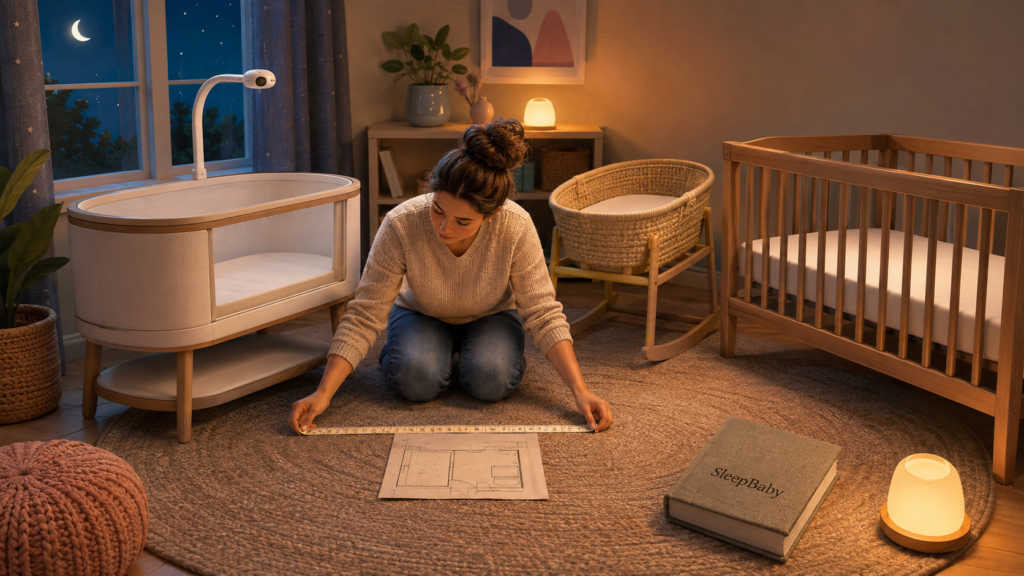
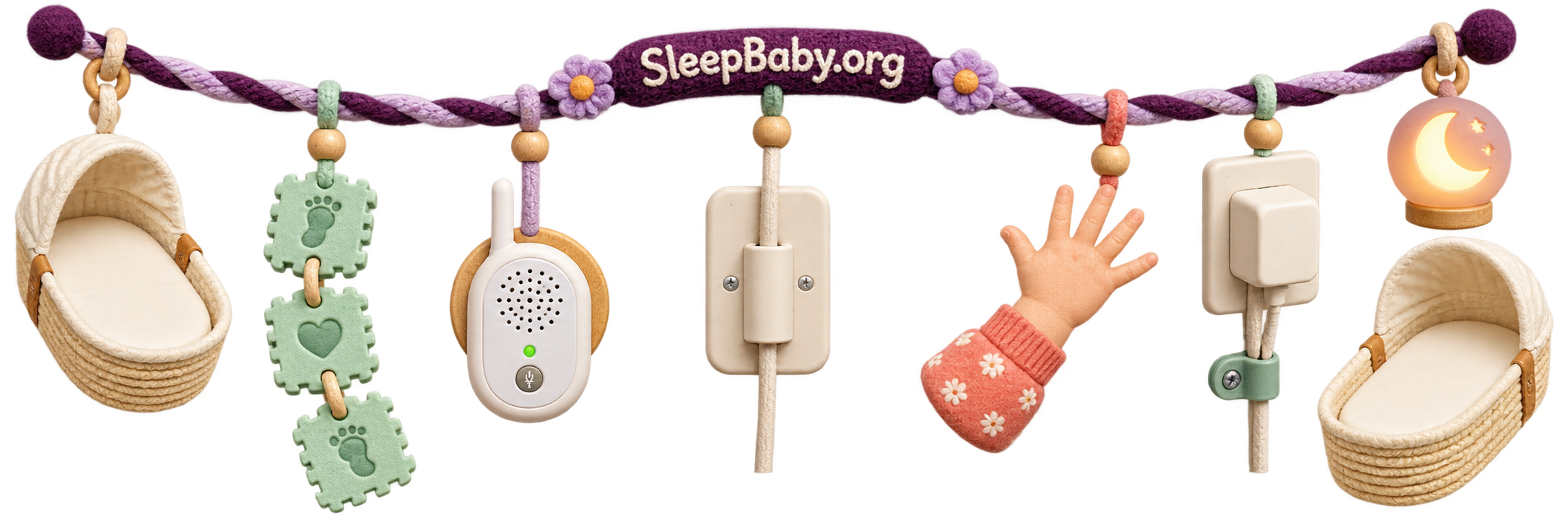
The most concrete monitor hazard is not hidden in a software menu. It is the cord. The Consumer Product Safety Commission says every monitor cord—including a wall-mounted cord—should remain at least three feet from every part of the crib, bassinet, play yard or other sleep environment. Never put a monitor in the sleep space or on its rail. Do not route a cord where it can drop, loop or become reachable when the baby starts rolling, sitting, standing or pulling furniture.
Before the first sleep
Run one real-home setup check
- Measure the three-foot cord boundary from every edge of the sleep space, not just from the mattress center. Include power adapters, extension cords and slack behind furniture.
- Mount or place the unit according to its instructions. Keep it off crib rails and away from curtains, shelves or objects that could fall into the sleep space.
- Test where you actually live. Close the bedroom door, run the shower or dishwasher, walk to the farthest normal room and confirm sound, picture, vibration and battery behavior.
- Create an outage plan. Know what you will do if power, Wi-Fi, the app or the parent unit fails. “Move within earshot” is often the simplest backup.
- Recheck after growth or rearranging. A safe newborn placement can become reachable after standing, furniture movement or a new charging route.
Do not leave the house, hotel room or property because a consumer monitor has range or remote access. A stream is not adult supervision, and connection loss can be silent. The monitor’s job ends at the boundary of an attentive caregiver’s reasonable response.
If it connects to the internet, you have accepted a small security job
A connected camera may be worth it for remote viewing or caregiver sharing. Treat that convenience as a deliberate trade, not a default. The Federal Trade Commission recommends checking whether a camera encrypts its live feed and stored video, securing the home network, and controlling who can sign in.
- Use WPA2 or WPA3 on the home router.
- Replace every default username or password.
- Use a unique, long password for the monitor account.
- Turn on two-factor authentication when offered.
- Install device, app and router updates.
- Limit shared users and review them periodically.
- Understand whether clips are stored locally or in the cloud.
- Disable remote viewing or recording when you do not need it.
If that list sounds like a second hobby and you only need to hear a cry from the kitchen, that is useful information. A local audio unit or non-Wi-Fi video monitor may fit your actual job better.
When a monitor may be useful even though baby sleeps in your room
Naps behind a closed door
Daytime household noise can swallow a cry that would easily wake you at night. A basic audio unit can let you move through ordinary tasks without repeatedly opening the door. Keep following the same safe-sleep setup, and check the baby in person when the alert asks you to.
The stretch between baby’s bedtime and yours
This is the most common real doorway in room-sharing homes. Baby is in the bedroom; the adult is reading, working, cleaning up or talking elsewhere. Use the monitor for that stretch, then decide whether it adds anything once you enter the room. Turning it off is a valid feature.
A large, noisy or unusual floor plan
Thick walls, multiple floors, fans, hearing protection, music or outdoor space can change what reaches you. Test the product in your home rather than buying from a maximum-range number measured under different conditions.
Hearing or sensory access
Vibration, visual sound bars, adjustable alert frequencies or a wearable parent receiver can make a monitor genuinely enabling. Choose the alert format with the person who will use it. A screen is not automatically the accessible answer.
Caregiver handoffs
A monitor can be part of a clear handoff: who has the parent unit, who responds and what counts as a check. It should never create the assumption that “someone else must be watching.” Say the assignment aloud.
Your sleep belongs in the decision too
I do not think peace of mind can be promised in a box. For one parent, a brief video check ends the question and prevents a disruptive entrance. For another, the same screen becomes an invitation to inspect every shadow. More data can reduce uncertainty, or it can make uncertainty refresh every ten seconds.
Try a three-night experiment: use only the alerts that would change your response, keep the screen dark by default, and note whether you check less or more. If the baby is already beside you and the monitor repeatedly wakes the adult without changing care, the device is not failing. It may be telling you that its overnight job is finished.
Revisit the choice when the geography changes
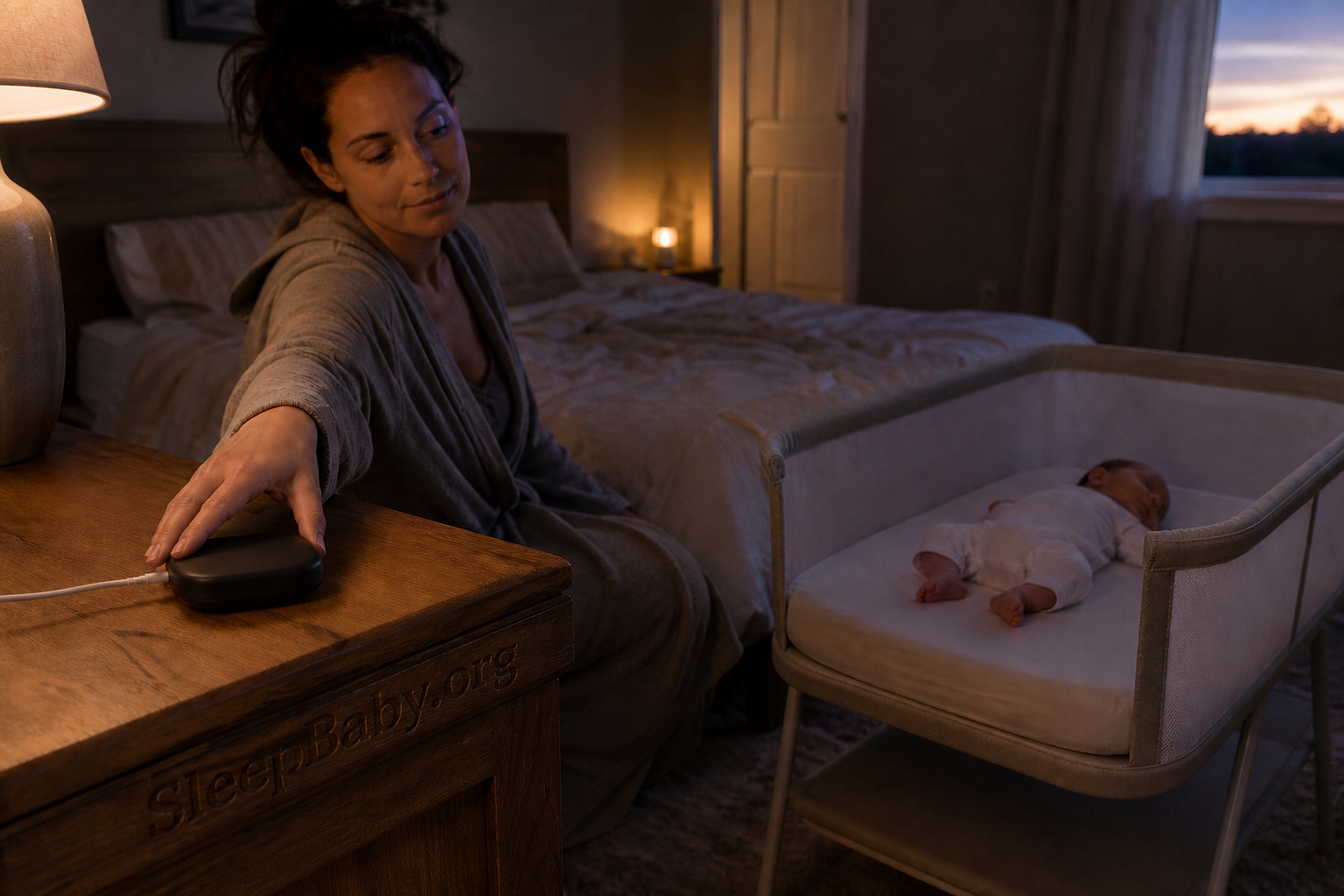
You do not need to predict the entire first year before the baby arrives. Start without a monitor if your current setup has no gap. Add one when naps, an earlier bedtime, a move to another room or a caregiver’s access need creates a job. The best time to buy may be after you know your walls, routines and tolerance for screens.
If baby later moves to a separate room, retest the monitor and the room rather than assuming the old setup transfers. Check the sleep surface, furniture anchoring, cord routes, camera view, sound level, battery, network access and response plan. The room changed; the back, bare, separate-surface rules did not.
You can also stop using the monitor gradually. Turn off video overnight while keeping audio. Lower nonessential notifications. Use it only before your bedtime. Then test a night without it when your child, home and comfort make that reasonable. There is no universal monitor graduation age. Privacy, independence, developmental needs and the reason you started using it all matter.

The questions that usually come next
Do I need to buy a monitor before the baby is born?
No. If the baby will sleep in your room and you expect to stay within earshot, you can wait. Living with the actual nap locations and evening routine often reveals whether you need audio, video, an accessible alert—or nothing.
Can I use a monitor from day one?
Yes, if it is installed according to its instructions with every cord and component safely outside the infant sleep space and at least three feet from every edge. There is no monitor requirement and no special age at which an ordinary audio/video unit becomes medically protective.
Is audio enough?
Often, yes. If your action starts when the baby cries or wakes while you are elsewhere, audio closes that gap. Video earns its extra complexity only if seeing the baby changes whether you enter or how you respond.
Should I leave the video screen on all night?
Only if it serves a real access or caregiving purpose and does not repeatedly disrupt your sleep. Many room-sharing families can use the monitor before their own bedtime, then switch the screen or whole unit off once they enter the room.
Does a breathing or oxygen monitor make room-sharing safer?
Do not treat a consumer vital-sign product as SIDS prevention or as a substitute for safe sleep. If your baby has a medical reason for home monitoring, ask the clinician which authorized device and response plan are appropriate.
Can I use a monitor to leave the house?
No. Remote access and advertised range do not replace an attentive adult who can supervise and respond. Keep the caregiver on the property and within a practical response distance.
One focused tool for the actual earshot gap
VTech DM1211 digital audio monitor
If your baby sleeps in your room but you need to hear them during naps or the stretch before your own bedtime, the VTech DM1211 Enhanced Range Digital Audio Baby Monitor fits that narrow job better than buying an always-on camera or a consumer vital-sign system. It uses a dedicated DECT 6.0 audio connection and gives the parent unit sound lights, vibration, talk-back and a rechargeable battery. Those features help carry an ordinary waking signal through the house without asking you to interpret a medical-looking dashboard.
The persuasive reason to buy this one is its restraint: it solves “I cannot hear the bedroom from here” while leaving video, cloud accounts and wellness scores out of the night. Manufacturer range is measured under stated conditions, so test it through your own walls and keep the cord at least three feet from the sleep space. This is an awareness tool, not a safety device or SIDS monitor.
See the VTech DM1211 on Amazon
As an Amazon Associate, SleepBaby may earn from qualifying purchases.
Put the monitor at the doorway, not between you and sleep
Return to the original bedroom: the bassinet is beside you, the baby is on their back in a clear separate space, and the screen is glowing six inches from your face. Nothing about good parenting requires that screen to stay on. If you can already hear and reach your baby, let proximity do its job.
Use a monitor when the doorway, floor plan, household sound or access need creates a real gap. Choose the smallest tool that closes it. Install it safely. Treat smart data as limited information, not a medical verdict. Then give yourself permission to turn it off when the gap closes. That is not less vigilant. It is a clearer division of labor: the sleep environment protects the baseline, the caregiver responds to the baby, and the device carries only the signal it was hired to carry.
Sources
- American Academy of Pediatrics. Sleep-Related Infant Deaths: Updated 2022 Recommendations for Reducing Infant Deaths in the Sleep Environment.
- HealthyChildren.org, American Academy of Pediatrics. How to Keep Your Sleeping Baby Safe: AAP Policy Explained.
- Eunice Kennedy Shriver NICHD Safe to Sleep. Ways to Reduce Baby’s Risk and Frequently Asked Questions.
- U.S. Food and Drug Administration. Do Not Use Unauthorized Infant Devices for Monitoring Vital Signs. September 16, 2025.
- U.S. Consumer Product Safety Commission. Baby Monitor Cord Safety Alert.
- U.S. Federal Trade Commission. How To Secure Your Home Security Cameras and Securing Your Internet-Connected Devices at Home.
- VTech Communications. DM1211 Enhanced Range Digital Audio Monitor user’s manual.
Your next SleepBaby workshop
Choose the alert you need. Give the rest of the night back.
Start with your real doorway, your baby’s separate safe sleep space and the one signal that would change your response. Then use SleepBaby’s latest room-sharing, safe-sleep and bedtime workshops to build a plan that does not require watching a screen to feel like a caring parent.
SleepBaby.org · The original video
A next step for
the next bedtime.
Still thinking about sleep? Watch the presentation here, then explore the SleepBaby program whenever you’re ready.
Ready to get started?Take the next step with SleepBaby.
Help my baby sleep