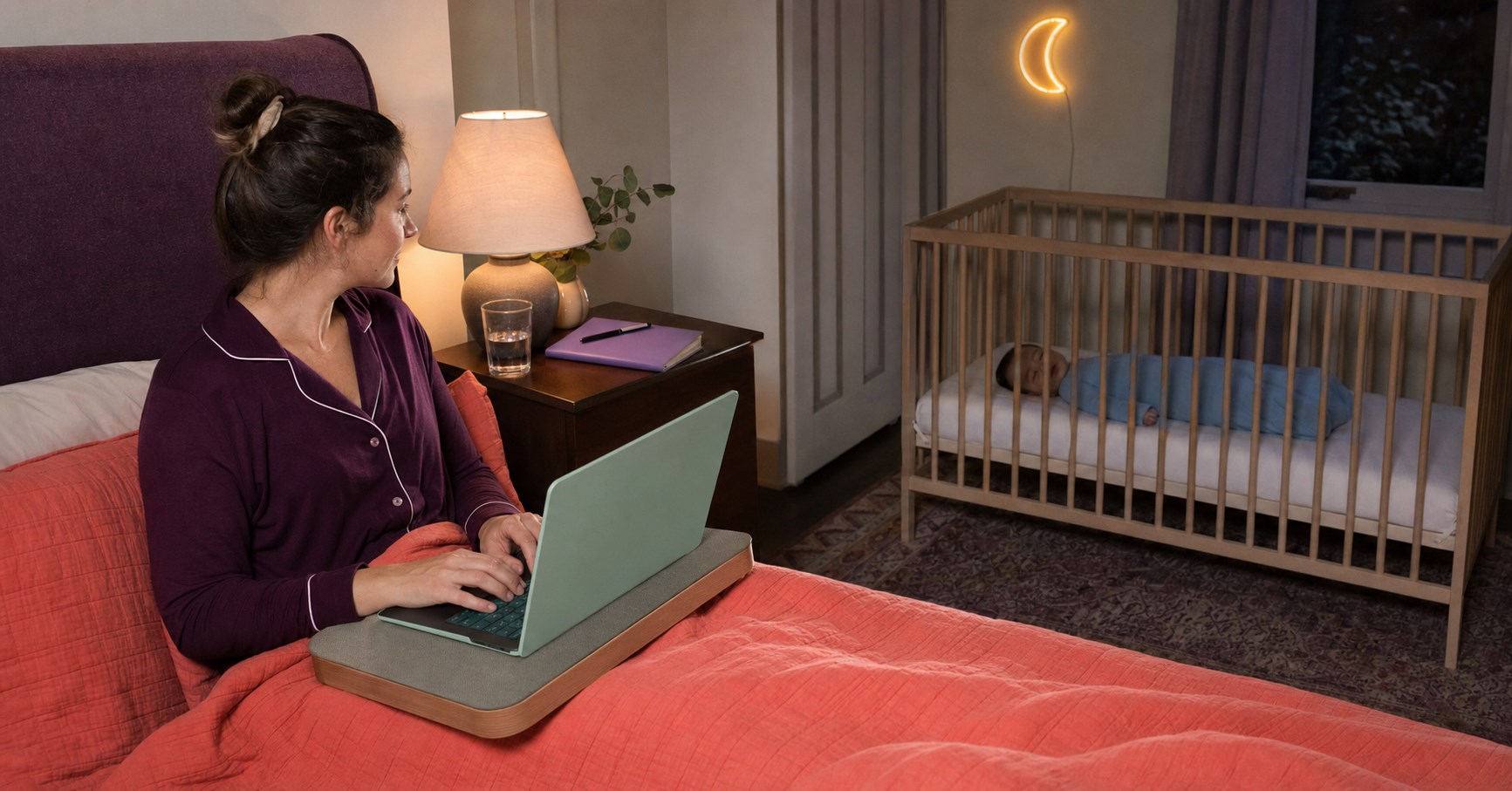
It’s a common problem: you want to work from the comfort of your bed, but you’re finding it difficult to maintain a comfortable and healthy posture. The pillows just don’t seem to be providing enough support. Fortunately, there are several ways to make this work, using things you already have at home. Let’s explore some options.
1. Repurpose Household Items for Back Support
Don’t limit yourself to pillows for support; consider other items around your house. A rolled-up towel or blanket can serve as lumbar support. Try placing it in the curve of your lower back for added support. If you have a yoga mat, you can roll it up tightly and use it in the same way.
2. Arrange Your Pillows Strategically
Three pillows might be enough, but they need to be used strategically. Here’s a suggestion:
- Place one pillow flat against the headboard to protect your back from the hard surface.
- The second pillow should be arranged vertically (a thicker one if available) to serve as the main support for your back.
- Use the third pillow (a softer one ideally) in the small of your back to create necessary lumbar support.
The goal here is to replicate the natural curve of your spine and avoid slouching or hunching over your laptop.
3. Experiment with Different Sitting Positions
Sometimes, the way you sit can make a world of difference. Here are a few positions you might find comfortable:
- Reclining position: Lean back into your pillow arrangement with your knees bent and your laptop on your thighs. This can take pressure off your back and hips.
- Side-lying position: Lie on your side with a pillow between your knees for hip alignment, and prop your laptop up on a pillow in front of you. You might need to switch sides every now and then to avoid straining one side.
- Supported upright position: Sit cross-legged or with your legs straight out in front of you, using your pillows for back support.
Remember, it’s important to change positions every so often to avoid putting too much pressure on any one part of your body.
4. Create a DIY Laptop Stand
Maintaining a good viewing angle for your laptop can help reduce neck and shoulder strain. Try creating a DIY laptop stand with a sturdy box or stack of hardcover books. The top of your screen should be at eye level when you’re sitting up straight.
5. Take Regular Breaks
Even with the best setup, sitting in bed for long periods can still be tough on your body. Aim to take a break every 30 minutes to an hour. Stand up, stretch, walk around a bit, or do some light exercises. This will help to prevent any stiffness or discomfort from sitting in one position for too long.
6. Don’t Forget About Your Arms
Your arms also need support to prevent shoulder and wrist strain. If possible, use a cushion or rolled-up towel under your arms when you’re typing.
By implementing these solutions, you should be able to create a more comfortable, ergonomic workspace in your bed. However, try to remember that even though it’s more convenient, working from bed shouldn’t replace a traditional workspace entirely. Balance your time between different work environments if possible.
The Psychology of Working from Bed
People work from bed for various reasons. Comfort and convenience are typically at the top of the list. However, there’s also a psychological component to this choice.
Why Might I Find Myself More Productive in Bed?
Working from bed can provide a sense of comfort and security that boosts productivity for some. The familiarity and coziness of the space may help to reduce stress, which can enhance focus and creative thinking.
Practicalities and Health Implications of Working from Bed
Working from bed raises several practical and health-related questions. Let’s tackle those next.
Is It Acceptable to Work from Bed?
Whether it’s acceptable to work from bed largely depends on your personal circumstances, work requirements, and health considerations. Some people may find it a viable option, while others may struggle with productivity or discomfort.
Do People Often Work from Home in Bed?
Yes, a considerable number of people working from home choose to work from bed, at least part of the time. The flexibility of remote work allows for this choice, as long as it doesn’t negatively impact work performance or health.
Can I Maintain a Healthy Posture While Working from Bed?
Maintaining a healthy posture while working from bed can be a challenge, but it’s not impossible. It’s crucial to arrange pillows for back and neck support and keep the laptop at a comfortable viewing angle. Frequent breaks and changes in position can also help to minimize strain and discomfort.
The Pros and Cons of Working from Bed
Like any work setup, working from bed comes with its own set of advantages and potential drawbacks.
Benefits of Working from Bed All Day
Working from bed can offer several benefits:
- Comfort: The coziness of your bed can make work feel less stressful.
- Convenience: It can save you time on commuting, even if it’s just from your bedroom to a home office.
- Flexibility: You have the freedom to find the most comfortable position for your work.
Potential Downsides of Working in Bed
There can also be potential downsides to working from bed:
- Health issues: Without proper posture and regular movement, you can experience issues such as back pain, neck strain, or even repetitive strain injuries.
- Sleep disruption: Using your bed as a workspace can disrupt the mental association between your bed and sleep, potentially leading to insomnia.
- Productivity: For some, the comfort of the bed can lead to feelings of lethargy, impacting productivity.
How to Effectively Work from Bed
If you choose to work from bed, there are ways to do it right.
Tips to Work Comfortably from Bed
Follow these guidelines to create a comfortable and productive work-from-bed environment:
- Arrange your pillows strategically to support your back and neck.
- Use a lap desk or pillow to elevate your laptop and reduce neck strain.
- Regularly change positions to avoid putting strain on any one part of your body.
- Take frequent breaks to stand, stretch, and rest your eyes.
- Keep your work materials organized to maintain a tidy workspace and reduce distractions.
How to Maintain Productivity While Working in Bed
Staying productive while working from bed requires discipline and structure. Set a regular work schedule, create a to-do list, and remove potential distractions from your environment. Keep your workspace separate from your sleeping space as much as possible, even if they’re on the same bed.
Working While Lying Down: Is It Possible?
While it’s generally healthier to sit up while working, it’s possible to work while lying down for short periods. Using a bed wedge pillow or an adjustable laptop stand can help maintain good posture and reduce strain.
Conclusion
While working from bed isn’t for everyone, it can be a comfortable and productive option for some. As with any workspace, the key is to set it up correctly, listen to your body, and create boundaries to maintain a healthy work-life balance. Remember, your health and wellbeing should always come first.






What viewers said10 comments · 4 replies+
Archived comments from the original Baby Sleep Miracle presentation. Not independently verified by SleepBaby.org; individual experiences vary.
Thank you so much for this video! I had no idea about the dangers of baby swings :O
Hi Mary-Ann. I have a question: Is method in any way similar to the ones recommended by Dr Bucknam, Dr. Weissbluth or Dr. Karp? We tried those but none of them help.
Hi Regina, thank you for your question. The short answer is no. The techniques I share in my guide are based on newest scientific research and this is why I have never seen any approach similar to the one I recommend.
This method really works! I tried it on my son Jesus and after just one week he went from waking up more than 5 times a night to waking up just once or twice. You are a lifesaver, Mary-Ann!
I'm truly impressed with how much information you share in your video. And all for free! I can feel that you truly care about mothers like myself, and that's hard to find these days. I have recommended your site to several of my friends already.
Mary-Ann, our child suffers from autism. Is your approach still suited?
Chloe, I made sure my method can be used with any child, even babies who are special like yours. Please note that I'm not a doctor and that I always advice to consult with your physician because nothing is more important than the safety and well-being of your love.
Hallo Mary-Ann, I'm from Germany. Do you have your guide in German?
Hello Heide, we do! Normally you should already see our video in German. If not, please contact our support so they can guide you
Thenk you for your answer, Mary-Ann!
I just completed your approach and I have to say, it worked almost too well. Yes, it took a bit of getting used to with your bedtime routine but the difference is huge. My son George used to take 1 hours to go down and now he's firmly asleep in no more than 10 minutes! You're the best!
It seems I'm the only man watching this video, lol! What you shared about the 'emotional backpack' made immediate sense to me and I can't wait to help my little girl Mila to unpack it!
Hey there, just discovered your site and this really sounds different. Just wanted to say thanks for sharing :)
For everyone who's still thinking about getting Mary-Ann's guide I want to advise you to go ahead. I wasn't sure myself but now I'm so thankful I invested in this program. It made a huge difference in our life as a family and yes, my baby girl does sleep through the night now.